CRC200R USER GUIDE ISSUE 02
5-3
5.2.1 Learning Cards in Line Mode
This menu item is selected when
is pressed in ‘Program Cards’ and then
is pressed once.
To reach this menu item from the initial display, press
once and then press repeatedly until
the following screen is displayed:
L
e
a
r
n
C
a
r
d
s
Press
and carry out the following procedure:
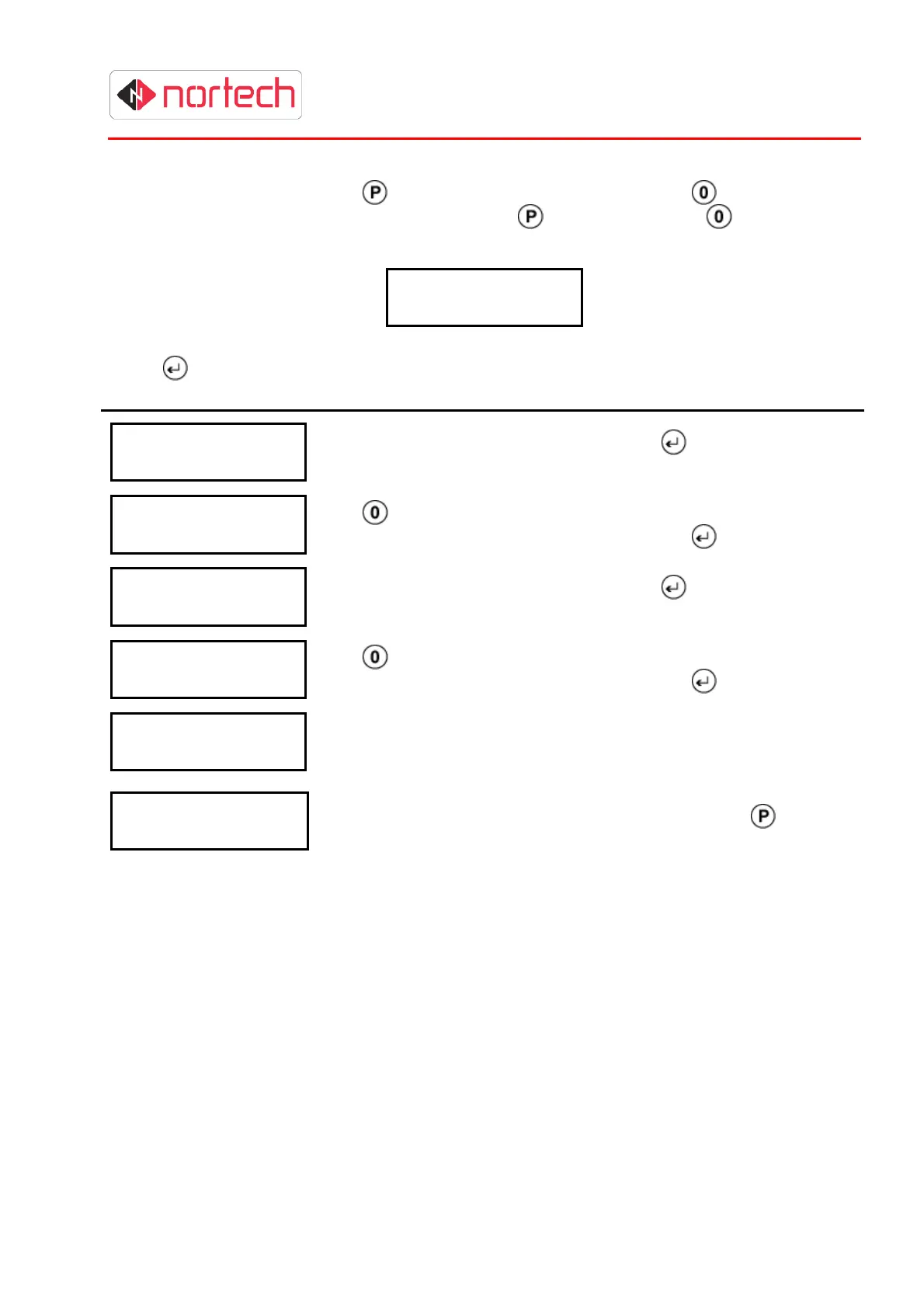
Display Action
L
e
a
r
n
C
a
r
d
s
R
d
r
1
T
Z
: 0
Enter the Time Zone for reader 1 and press
.
(see section 4.2.2.5)
L
e
a
r
n
C
a
r
d
s
C
a
p
t
1
n
o
Use
to toggle between ‘Yes’ or ‘No’ to indicate whether these
cards should be captured at reader 1 and press
L
e
a
r
n
C
a
r
d
s
R
d
r
2
T
Z
: 0
Enter the Time Zone for reader 2 and press
.
(see section 4.2.2.5)
L
e
a
r
n
C
a
r
d
s
C
a
p
t
2
n
o
Use
to toggle between ‘Yes’ or ‘No’ to indicate whether these
cards should be captured at reader 1 and press
L
e
a
r
n
i n
g
This display indicates that CRC200R is waiting for a card to be
presented to reader 1. Present a card to the reader.
L
e
a
r
n
i n
g
C
: X
X
X
X
N
N
N
N
N
N
N
N
Card number NNNNNNNN has been saved against index XXXX.
You can now present further cards to be learnt or press
to escape
learning mode.



 To Next Page