CRC200R USER GUIDE ISSUE 02
5-10
D
a
t e
/ T
i m
e
D
a
y
: x
Enter a number corresponding to the day of the week, with 1 =
Monday, 2 = Tuesday, etc.
D
a
t e
/ T
i m
e
H
o
u
r
: x
x
Enter the current hour as two digits and press
.
D
a
t e
/ T
i m
e
M
i n
: x
x
Enter the current minute as two digits and press
.
D
a
t e
/ T
i m
e
S
e
c
: x
x
Enter the current second as two digits and press
.
On completion of these parameters, the unit will move to the next sub-menu item.
5.5.4 Timezones (Door Open Timezones when set to ‘210’)
This sub-menu item allows you add parameters for the programmable Time Zones (2 & 3). Please
refer to section 4.2.2.4 for an explanation of these Time Zones.
This sub-menu item is automatically selected when the final parameter of ‘Time/Date has been
entered.
To reach this sub-menu item from the initial display, press
once and then press repeatedly
until the ‘Installer’ screen is displayed, press
once again to enter the sub-menu, and press
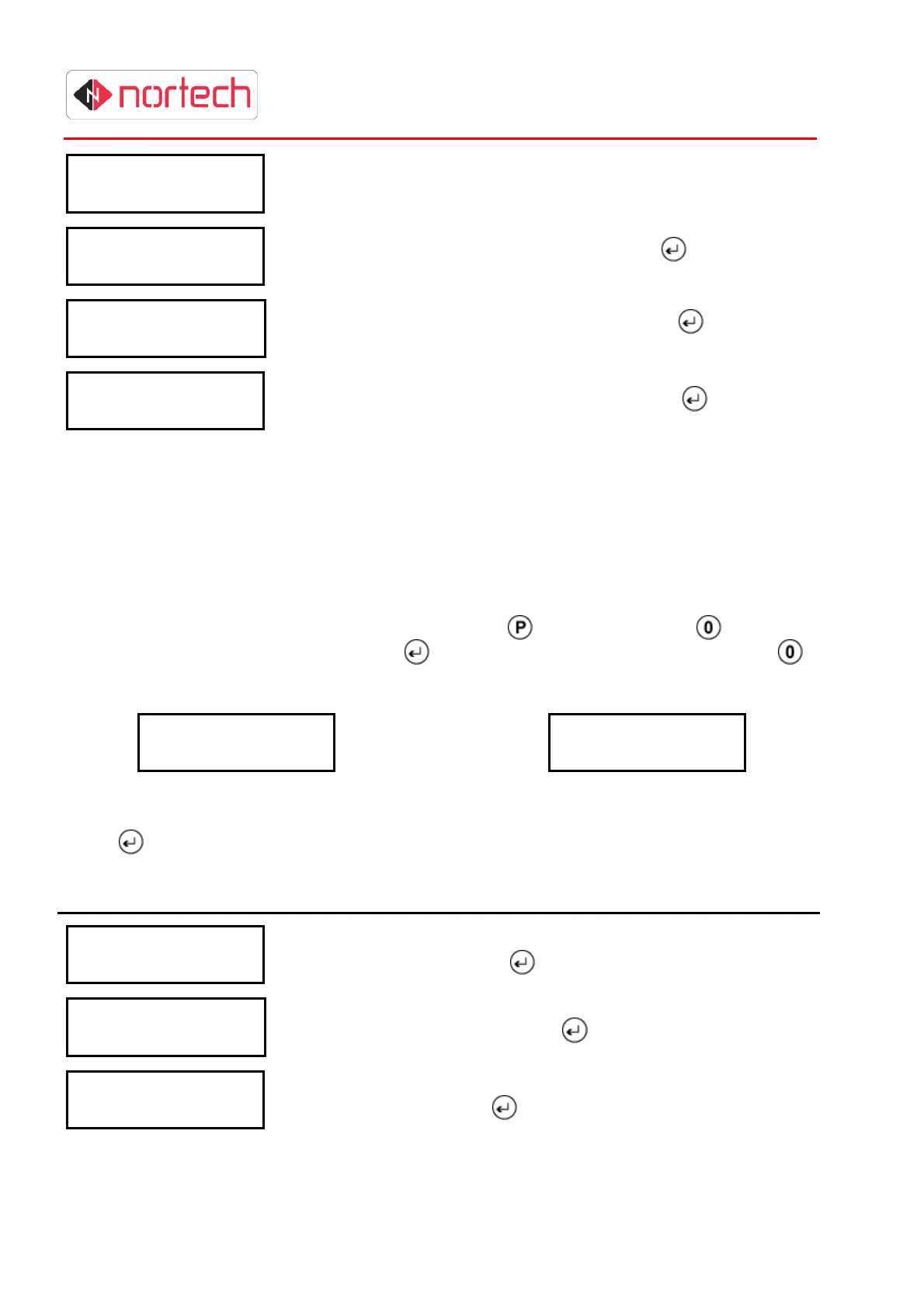
repeatedly until the following screen is displayed:
T
i m
e
z
o
n
e
s
or
D
o
o
r
O
p
e
n
T
Z
Operating Modes ‘LINE’ and ‘OFF’ Operating Mode ‘210’
Press
and carry out the following procedure:
Display Action
T
i m
e
z
o
n
e
2
-
0
F
H
o u
r
: x
x
Enter a 2-digit number for the ‘From Hour’ of the first active period
in Time Zone 2 and press
.
T
i m
e
z
o
n
e
2
-
0
F
M
i n
: x
x
Enter a 2-digit number for the ‘From Minute’ of the first active
period in Time Zone 2 and press
.
T
i m
e
z
o
n
e
2
-
0
T
H
o u
r
: x
x
Enter a 2-digit number for the ‘To Hour’ of the first active period in
Time Zone 2 and press
.



 To Next Page