Operating your IP Phone 1220
124
Managing calls while busy at work
Using Make Set Busy
Use the Make Set Busy feature to make your IP Phone appear busy to all
callers.
Activating Make Set Busy
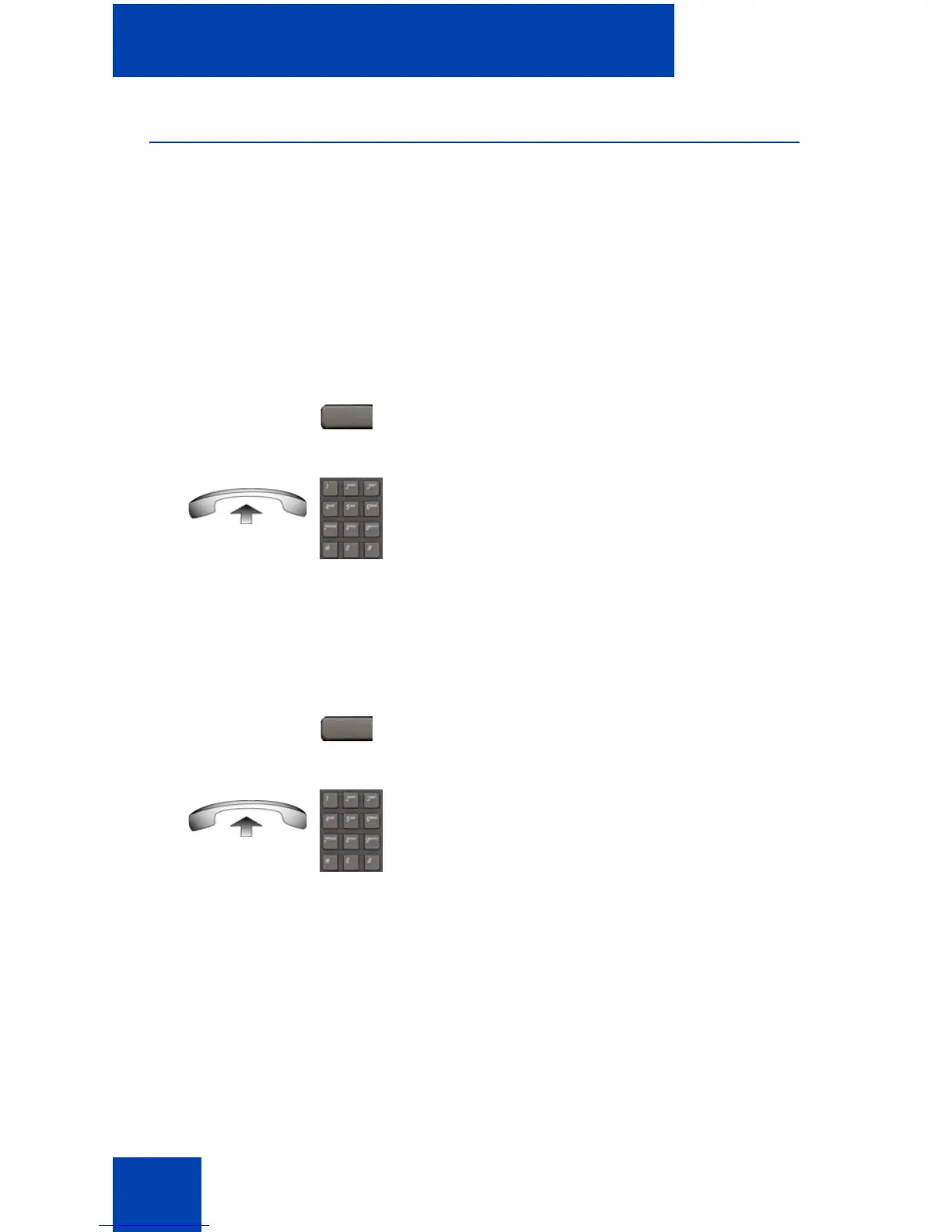
Use the following procedure to activate Make Set Busy.
Deactivating Make Set Busy
Use the following procedure to deactivate Make Set Busy.
or
1. Press the MakeSetBsy key.
or
Lift the handset, and enter the Make Set
Busy Activate FFC.
or
1. Press the MakeSetBsy key a second
time to deactivate the feature.
or
Lift the handset and enter the Make Set
Busy Deactivate FFC.
MakeSetBsy
MakeSetBsy



 To Next Page