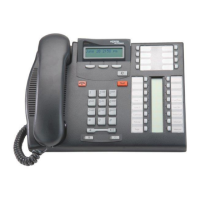
Operating your IP Phone 1220
92
Switching from handsfree to headset
Use the following procedure to switch from handsfree to headset.
Using the Corporate Directory
The Corporate Directory feature provides an alphabetic list of entries
using last names. You can search by name, view additional information
on each entry, and dial Corporate Directory numbers. To use the
Corporate Directory, press the Directory key and select Corporate
Directory.
Searching for a specific number
Use the following procedure to search for a specific number.
2. Press the Headset key.
1. Press the Headset key.
1. When prompted, use the dialpad to enter
the desired name in last name, first
name format.
2. Press the Search soft key to find the
desired name.
The first match appears on the screen.
Search



 To Next Page