Operating your IP Phone 1220
91
Muting a handsfree call
Use the following procedure to mute a handsfree call.
Switching from handsfree to handset
mode
Use the following procedure to switch from handsfree to handset mode.
Switching from handset mode to handsfree
Use the following procedure to switch from handset mode to handsfree.
Using a headset
Use the following procedure to use a handset.
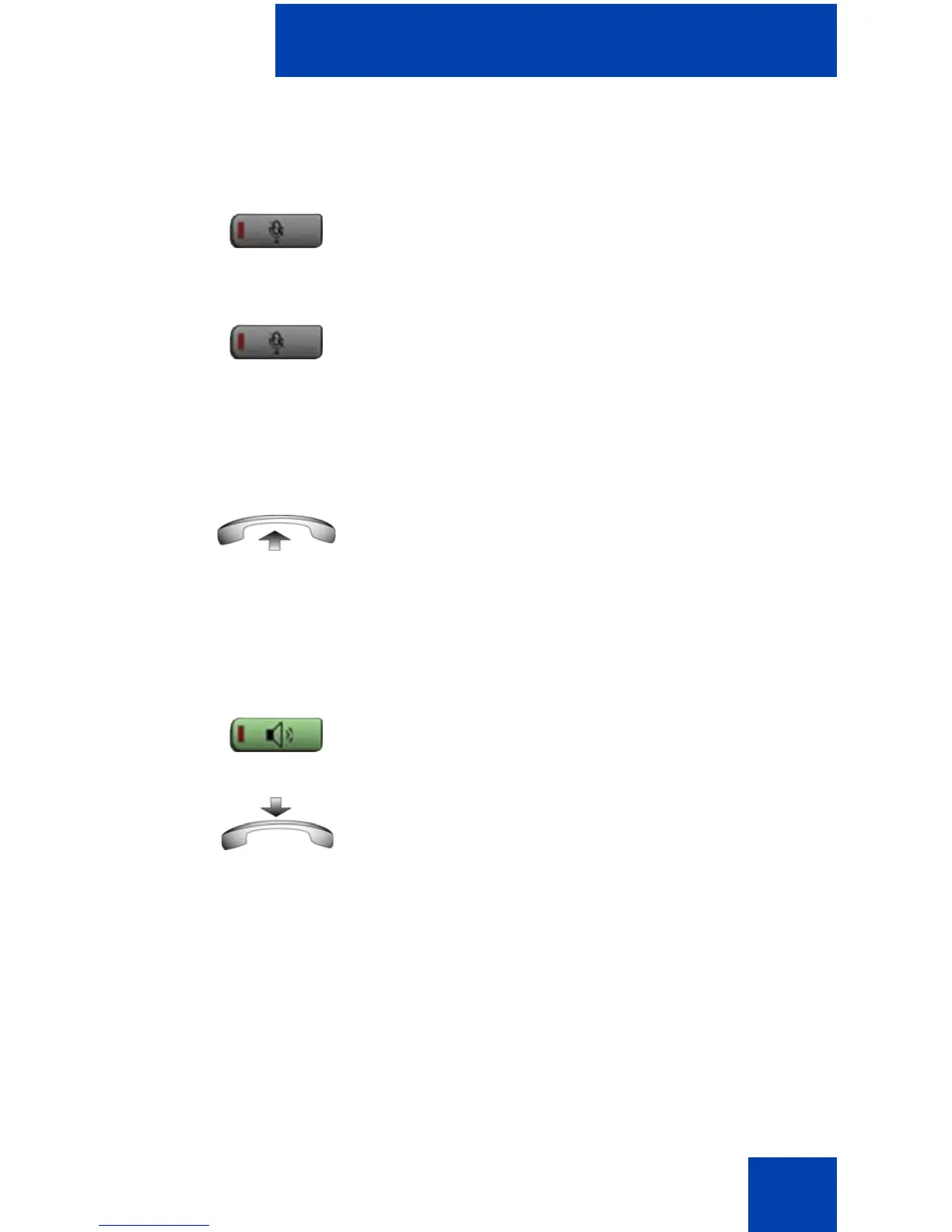
1. Press the Mute key.
The LED indicator flashes.
2. Press the Mute key again to return to a
two-way handsfree conversation.
1. Lift the handset.
1. Press the Handsfree key.
2. Replace the handset.
1. Connect the headset to the headset
jack.
(Mute)
(Mute)



 To Next Page