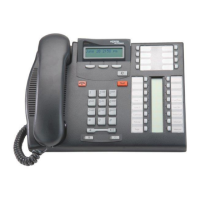
Operating your IP Phone 1220
85
Dialing an entry
Use the following procedure to dial an entry.
Deleting an entry
Use the following procedure to delete an entry.
1. Press the Up or Down keys to scroll,
and select the desired entry.
2. Press the Dial soft key.
1. Press the Up or Down keys to scroll,
and select the desired entry.
2. Press the Del soft key.
3. Press the Yes soft key to confirm the
entry deletion.
or
Press the No soft key to return to the
Callers List without deleting the entry.
Dial
Del
or
NoYes



 To Next Page