3URJUDP &KDQJH
System Function Programming
18 AFP-300/AFP-400 Programming PN 50259:C1 06/19/97
6\VWHP)XQFWLRQ3URJ UDPPLQJ
6\VWHP )XQFWLRQV
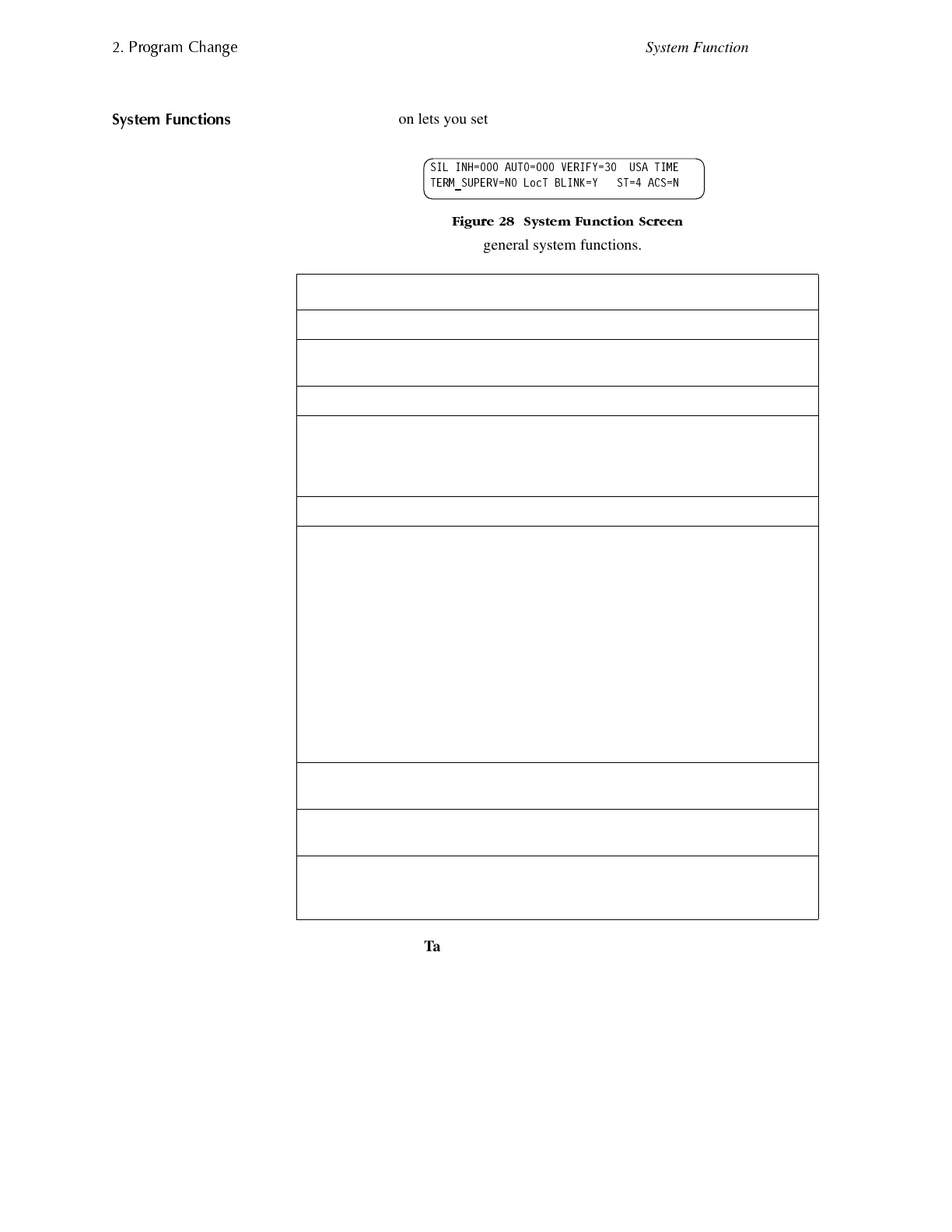
The System option lets you set general system functions. From the Program Change
screen, select <7> to display the System Function screen:
)LJXUH 6\VWHP )XQFWLRQ 6FUHHQ
Table 18 contains settings for general system functions.
Table 18 Setting General System Functions
System Function Setting Default
SIL INH (Silence Inhibit time) 0 to 300 seconds 0
AUTO (Auto Silence time) • 000 (none)
• 600 to 900 seconds
0
VERIFY (Alarm Verification time) 0 to 30 seconds 30
USA TIME EUR time with Next/Previous
keys European time format
changes to 24-hour time, and
places the day before the month
USA time
TERM_SUPERV No or Yes No
Terminal mode – one of three
operating modes of PC or terminal
connected to the control panel
through TB2 on the CPU. For a
complete list of functions, refer to the
Installation Manual.
• LocT (terminal
connected to control
panel and located in
same room);
• LocM (same as LocT
but requires password);
or
• RemT (terminal
connected through a
modem for Read Status
only).
LocT
BLINK=Y (device LED blink) Set to Blink=N (no blink) by
pressing the Up/Down keys.
Blink=Y
ST=4 – the NFPA wiring style used
for the SLC loop.
ST=6 (Style 6 SLC loop wiring)
ST=4 (Style 4 SLC loop wiring)
ST=4
ACS – Use ACS Selection Groups
(Refer to “Annunciator Options” on
page 19).
N or Y ACS=N
6,/ ,1+ $872 9(5,)< 86$ 7,0(
7(50B683(59 12 /RF7 %/,1. < 67 $&6 1



 To Next Page
 Loading...









