- 31 -
CHECKING THE GAS PRESSURE
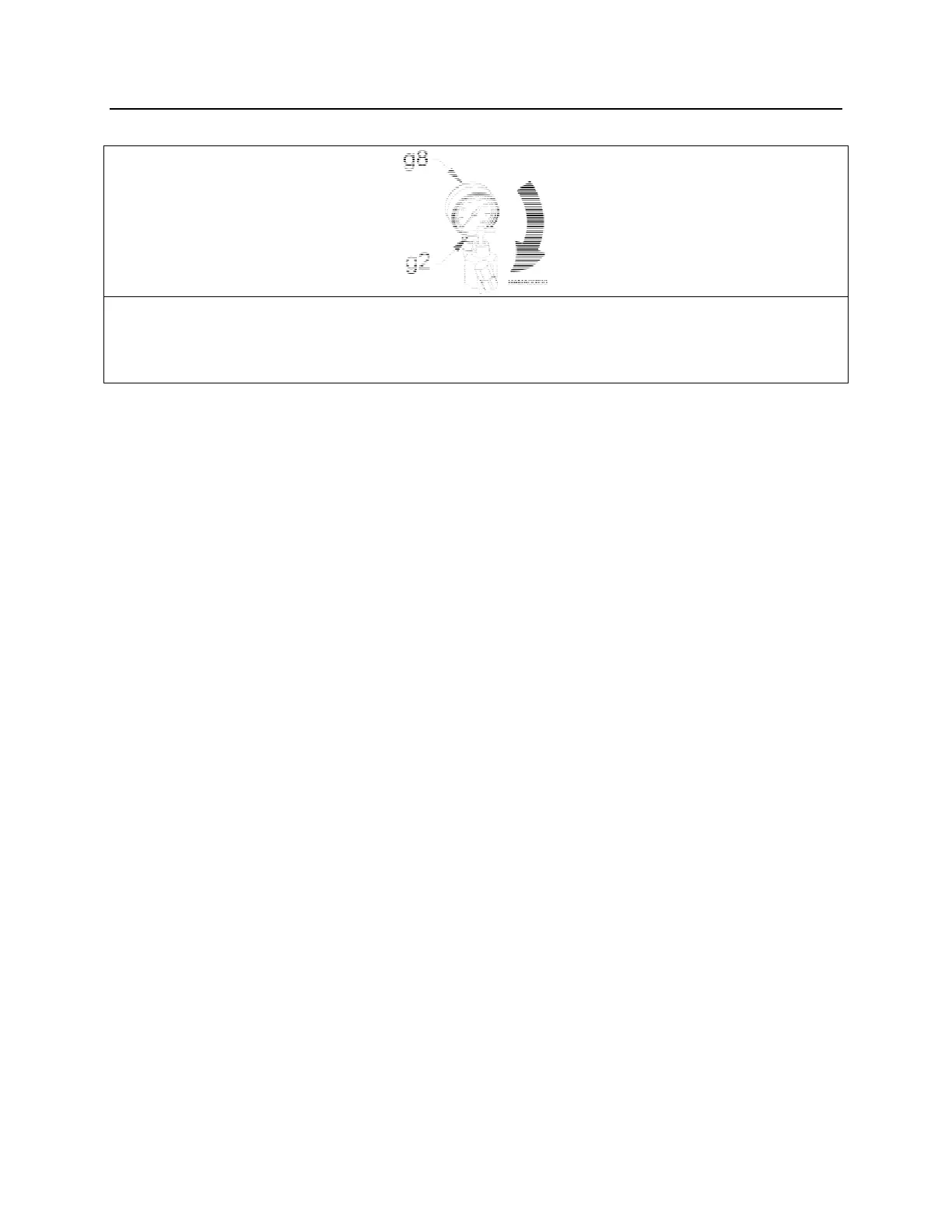
6. Turn the T-handle (g2) clockwise. As the T-handle is screwed in, a resistance is
encountered. By turning the T-handle further, the nitrogen gas pressure will be
indicated on the pressure gauge (g8). Stop turning the T-handle when the gauge
reads pressure. Do not over tighten.
7. Compare the gauge pressure with the NITROGEN GAS PRESSURE CHART, see
page 29. If the gas pressure is 25 psi (2 bar) or more below specification, proceed
to NITROGEN GAS CHARGING PROCEDURE. If the pressure is correct, go to the
next step.
8. Turn the T-handle (g2) counterclockwise until it stops as in step 3.
9. Slowly loosen the charge adapter cap to relieve the nitrogen gas pressure trapped in
the charge valve.
10. Remove the charge adapter from the hammer charge valve.
11. Remove NPK adapter part no. 30604100.
12. Reinstall existing plug.



 To Next Page