14
OPERATING INSTRUCTIONS
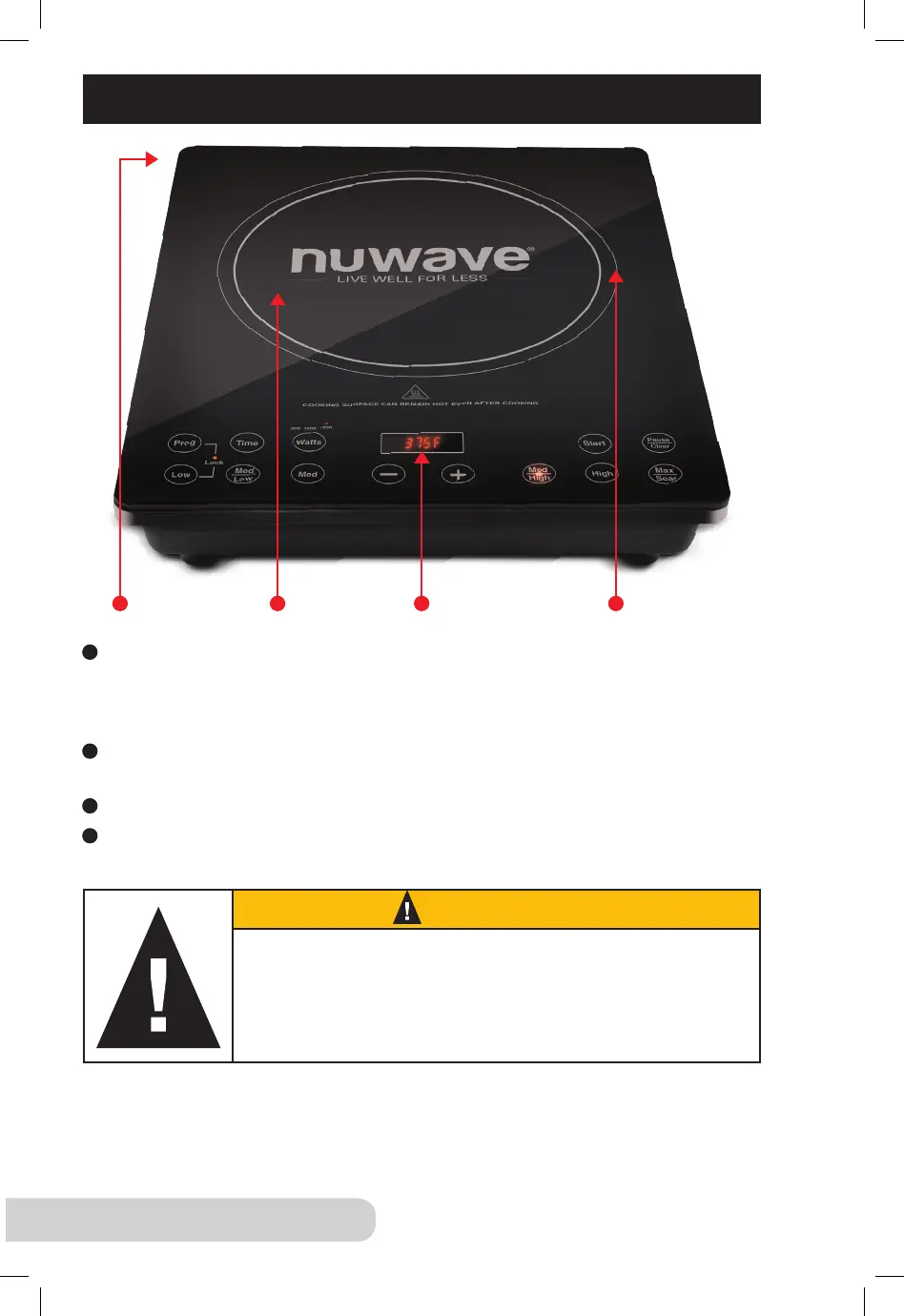
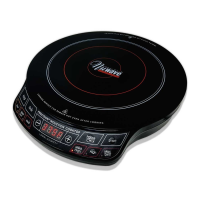
Ventilation: Air vents are located on the back of the product to allow any heat
generated by the heating element to escape. This design feature prevents
heat transfer to the cooking surface and ensures efcient performance of the
NuWave PIC Pro Chef.
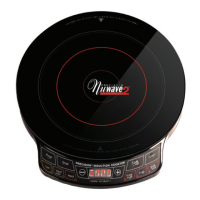
Surface: The NuWave PIC Pro Chef’s heat-resistant glass surface stays cool
to the touch and cleans easily with the simple wipe of a damp cloth.
Control Panel with LED Display: Clearly lit, easy-to-read control panel.
Heat Source: Electromagnetic coils located below the glass surface transfer
generated heat directly to induction-ready cookware.
1
2
3
4
4321
While the NuWave PIC Pro Chef is in operation, cooktop
may retain residual heat after cookware has been removed.
Do not remove pots and pans during cooking process.
Push “Pause/Clear” button to turn off power before removal.
CAUTION


 To Next Page