DOC-13000 Rev. E 7–17
Connex500/350 User Guide
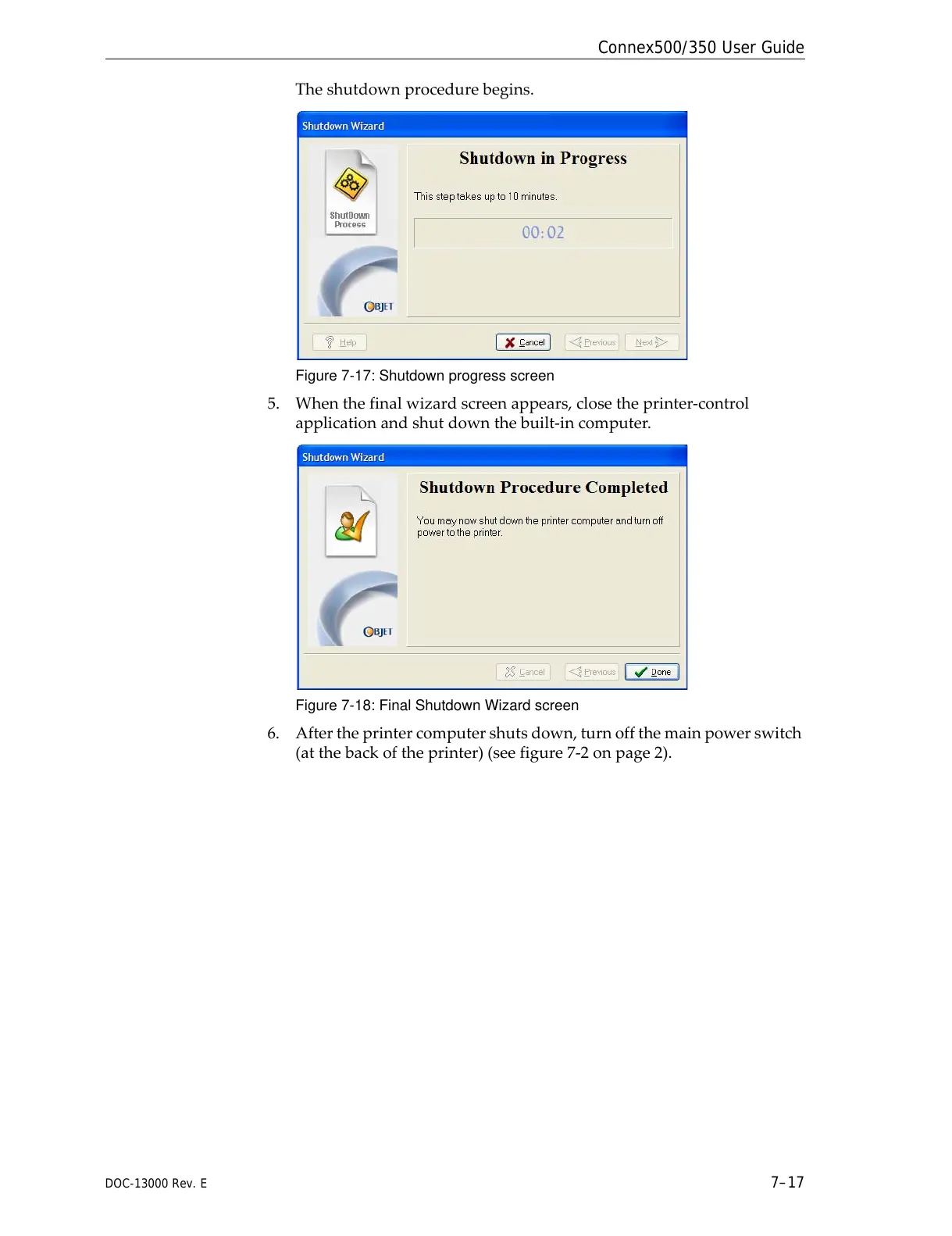
Theshutdownprocedurebegins.
Figure 7-17: Shutdown progress screen
5. Whenthefinalwizardscreenappears,closetheprinter‐control
applicationandshutdownthebuilt‐incomputer.
Figure 7-18: Final Shutdown Wizard screen
6. Aftertheprintercomputershutsdown,turnoffthemainpowerswitch
(atthebackoftheprinter)(seefigure 7‐2onpage 2).



 To Next Page