Operating & Maintaining the Connex500/350 3-D Printer
7–52
DOC-13000 Rev. E
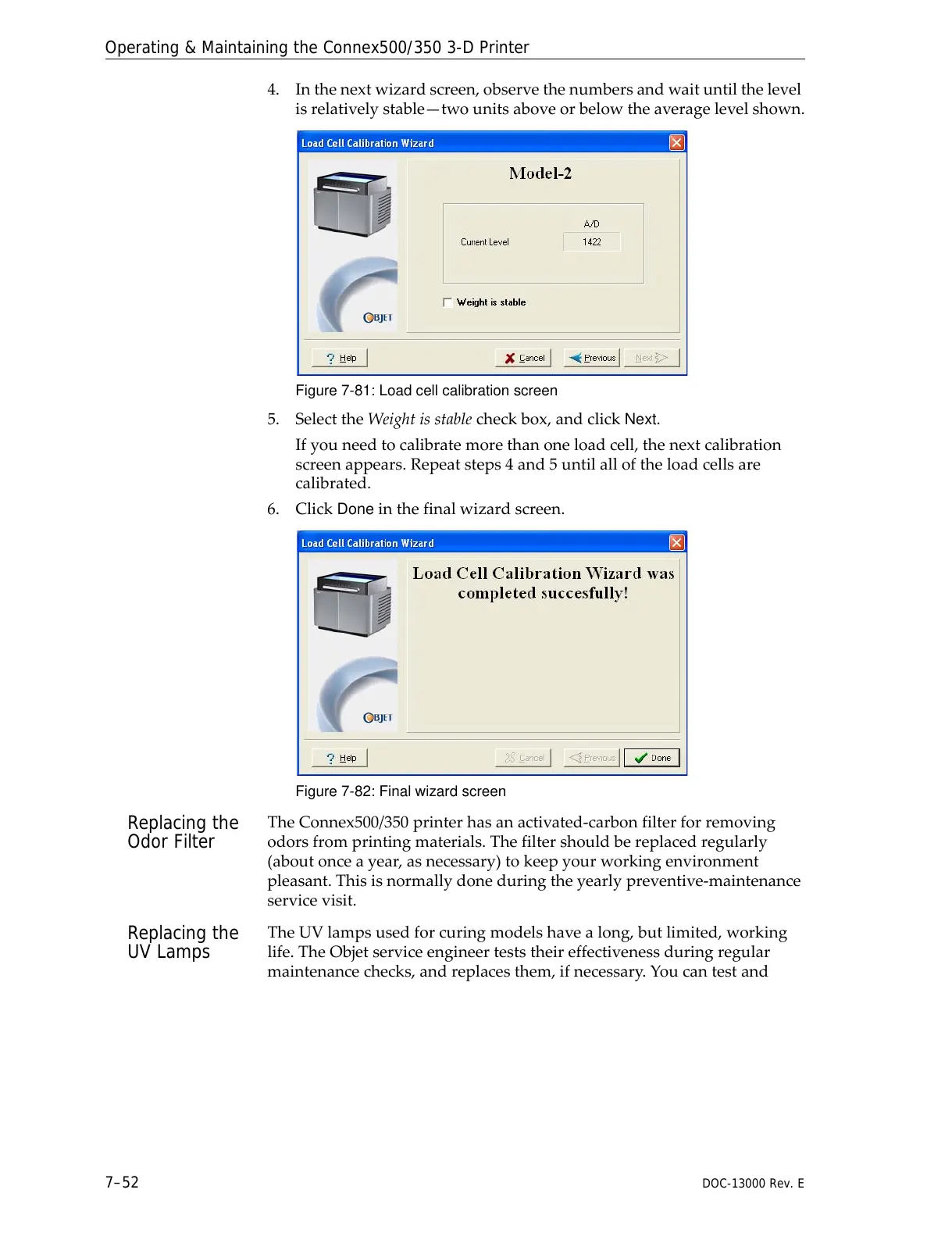
4. Inthenextwizardscreen,observethenumbersandwaituntilthelevel
isrelativelystable—twounitsaboveorbelowtheaveragelevelshown.
Figure 7-81: Load cell calibration screen
5. SelecttheWeightisstablecheckbox,andclickNext.
Ifyouneedtocalibratemorethanoneloadcell,thenextcalibration
screenappears.Repeatsteps4and5untilalloftheloadcellsare
calibrated.
6. Click
Doneinthefinalwizardscreen.
Figure 7-82: Final wizard screen
Replacing the
Odor Filter
TheConnex500/350printerhasanactivated‐carbonfilterforremoving
odorsfromprintingmaterials.Thefiltershouldbereplacedregularly
(aboutonceayear,asnecessary)tokeepyourworkingenvironment
pleasant.Thisisnormallydoneduringtheyearlypreventive‐maintenance
servicevisit.
Replacing the
UV Lamps
TheUVlampsusedforcuringmodelshavealong,butlimited,working
life.TheObjetserviceengineerteststheireffectivenessduringregular
maintenancechecks,andreplacesthem,ifnecessary.Youcantestand



 To Next Page