Operating & Maintaining the Connex500/350 3-D Printer
7–16
DOC-13000 Rev. E
Shutting Down the Connex Printer
YouonlyneedtoshutdowntheConnexprinterifitwillnotbeusedfora
weekormore.Otherwise,theprintercanremainon,inIdlemode.To
properlyshutdown,theprinterneedstoperformseveralprocesses.These
arecontrolledbytheShutdownwizard.Donotattempttoshutdownthe
printerbysim
plyclosingthecomputerinterface(theprinter‐control
application),andneverdisconnectpowertotheprinterbefore
completingthiswizard.
Dependingonthelengthoftimetheprinterwillnotbeused,youcan
choosebetweenashortshutdownprocedure,andamorethorough
procedure.
• Upto10days:Thewizardemptiestheprintblockofmodeland
supportmaterial,topreventleaks.Thistakesabout10minutes.
• Morethan10days:Thewizardemptiestheprintblock,thenflushes
thesystemwithcleaningfluid.Thistakesupto35minutes,andyou
mustbepresenttoloadcleaning‐fluidcartridgeswheninstructed.
To run the Connex Shutdown Wizard:
1. SelectShutdown fromtheOptionsmenu,orpressF8.
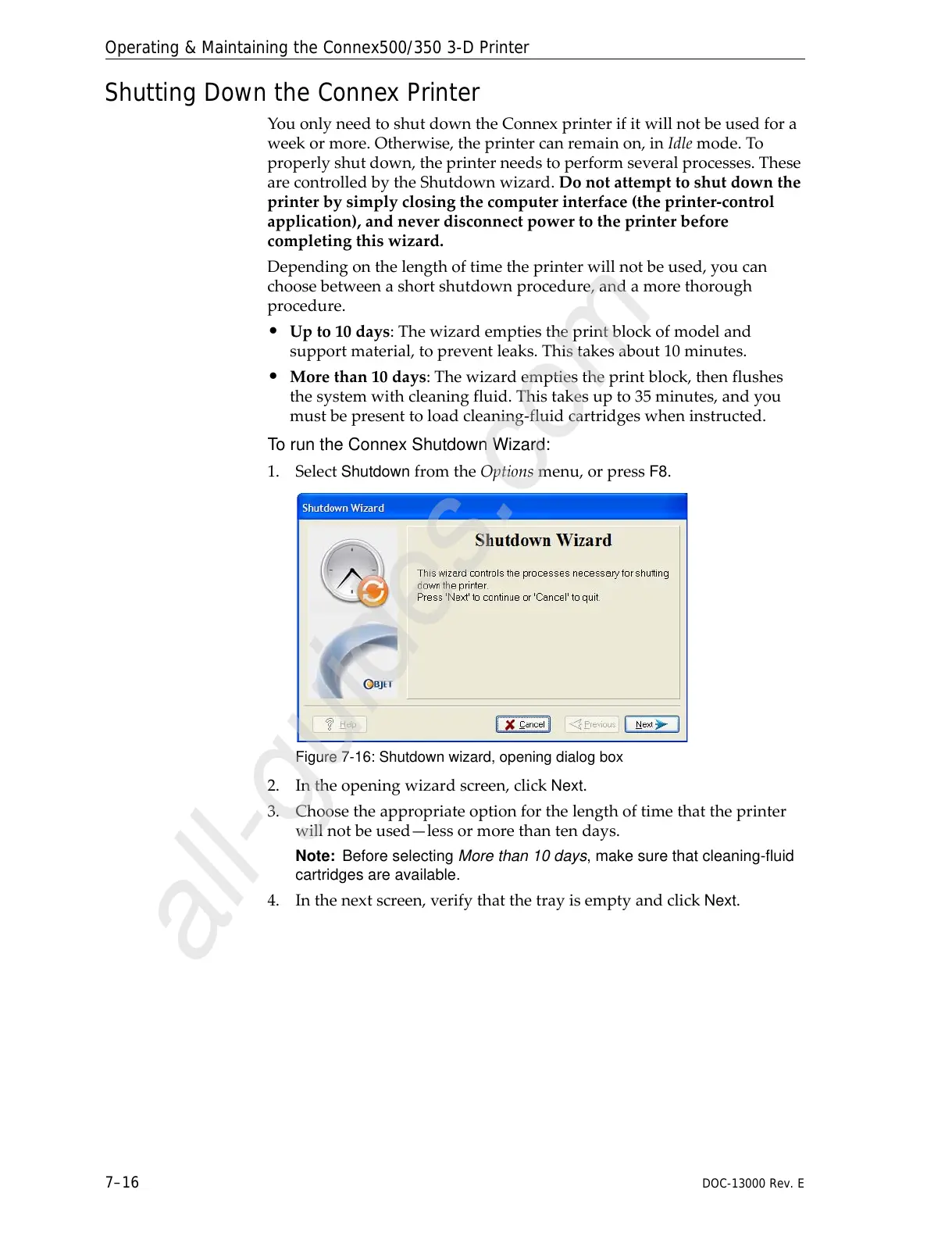
Figure 7-16: Shutdown wizard, opening dialog box
2. Intheopeningwizardscreen,clickNext.
3. Choosetheappropriateoptionforthelengthoftimethattheprinter
willnotbeused—lessormorethantendays.
Note: Before selecting More than 10 days, make sure that cleaning-fluid
cartridges are available.
4. Inthenextscreen,verifythatthetrayisemptyandclickNext.



 To Next Page