Operating & Maintaining the Connex500/350 3-D Printer
7–48
DOC-13000 Rev. E
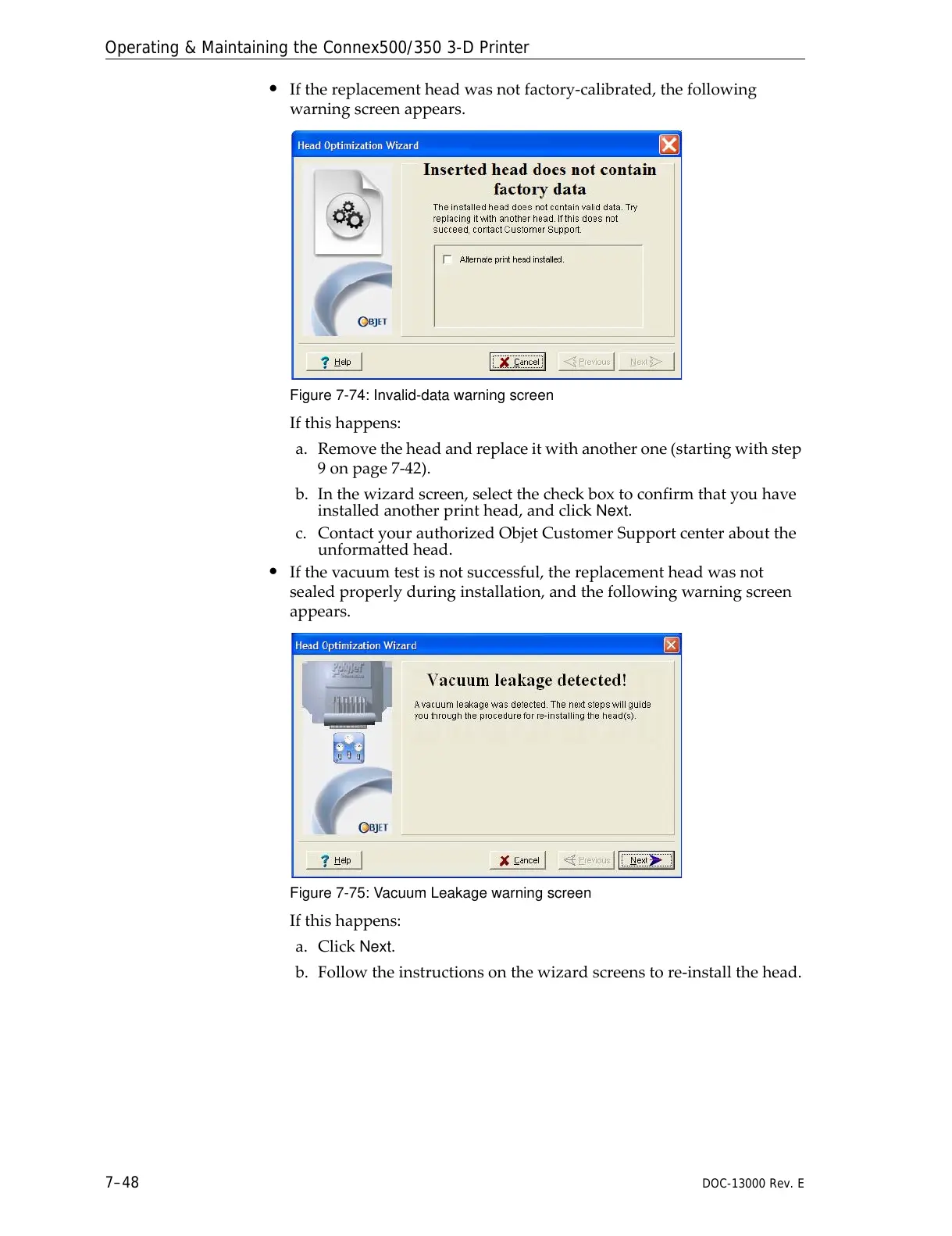
• Ifthereplacementheadwasnotfactory‐calibrated,thefollowing
warningscreenappears.
Figure 7-74: Invalid-data warning screen
Ifthishappens:
a. Removetheheadandreplaceitwithanotherone(startingwithstep
9onpage 7‐42).
b. Inthewizardscreen,selectthecheckboxtoconfirmthatyouhave
installedanotherprinthead,andclick
Next.
c. ContactyourauthorizedObjetCustomerSupportcenteraboutthe
unformattedhead.
• Ifthevacuumtestisnotsuccessful,thereplacementheadwasnot
sealedproperlyduringinstallation,andthefollowingwarningscreen
appears.
Figure 7-75: Vacuum Leakage warning screen
Ifthishappens:
a. Click
Next.
b. Followtheinstructionsonthewizardscreenstore‐installthehead.



 To Next Page