Operating & Maintaining the Connex500/350 3-D Printer
7–50
DOC-13000 Rev. E
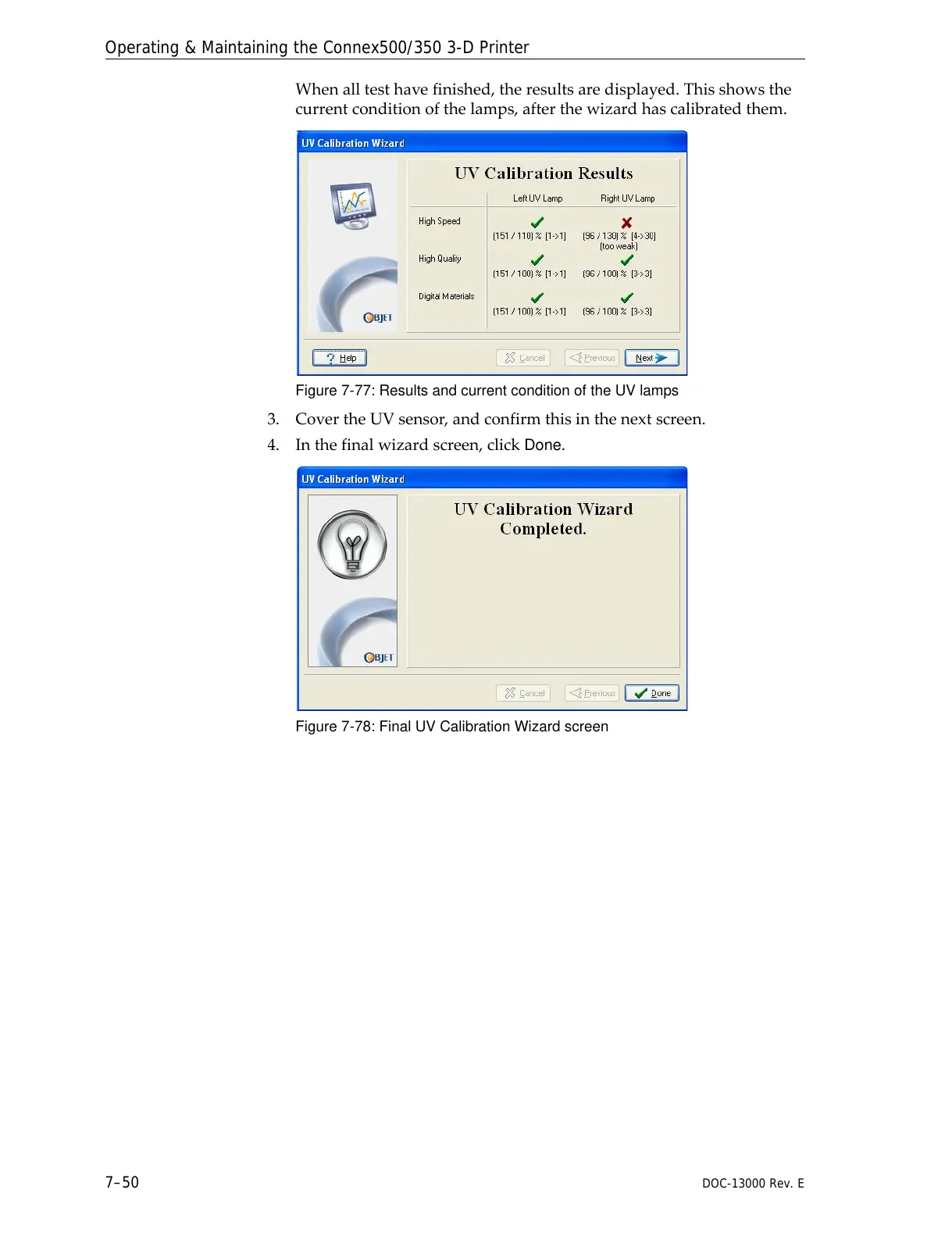
Whenalltesthavefinished,theresultsaredisplayed.Thisshowsthe
currentconditionofthelamps,afterthewizardhascalibratedthem.
Figure 7-77: Results and current condition of the UV lamps
3. CovertheUVsensor,andconfirmthisinthenextscreen.
4. Inthefinalwizardscreen,click
Done.
Figure 7-78: Final UV Calibration Wizard screen



 To Next Page