Setting up your receiver
OCEASOFT LoRaWAN Receiver User Guide Page 14
Pro model
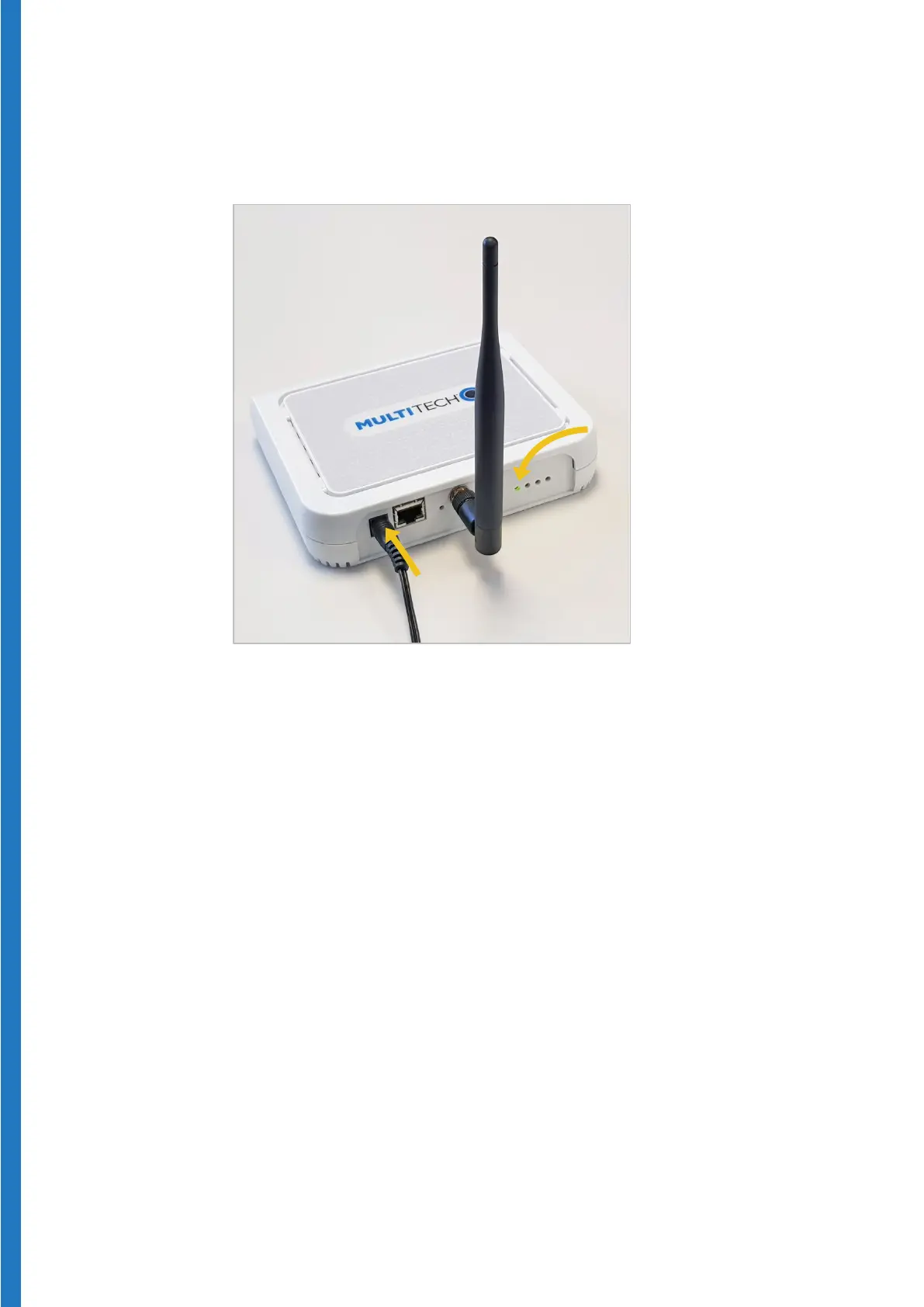
1. Plug the power cable firmly into the power plug on the back of the device.
Figure 8 – Plug in the power cable into the power plug
2. Plug the AC adapter into a power socket to boot the receiver. The startup
process may take up to 5 minutes to complete. When the unit is ready for
use, the status LED turns green. LED activity will vary depending on the
connection type.


 To Next Page