Introduction
OCEASOFT LoRaWAN Receiver User Guide Page 7
1 Introduction
Congratulations and thank you for choosing the OCEASOFT LoRaWAN™ wireless
monitoring solution. This document describes how to set up and use the
OCEASOFT LoRaWAN-enabled receivers, a key component for collecting data in
your monitoring solution.
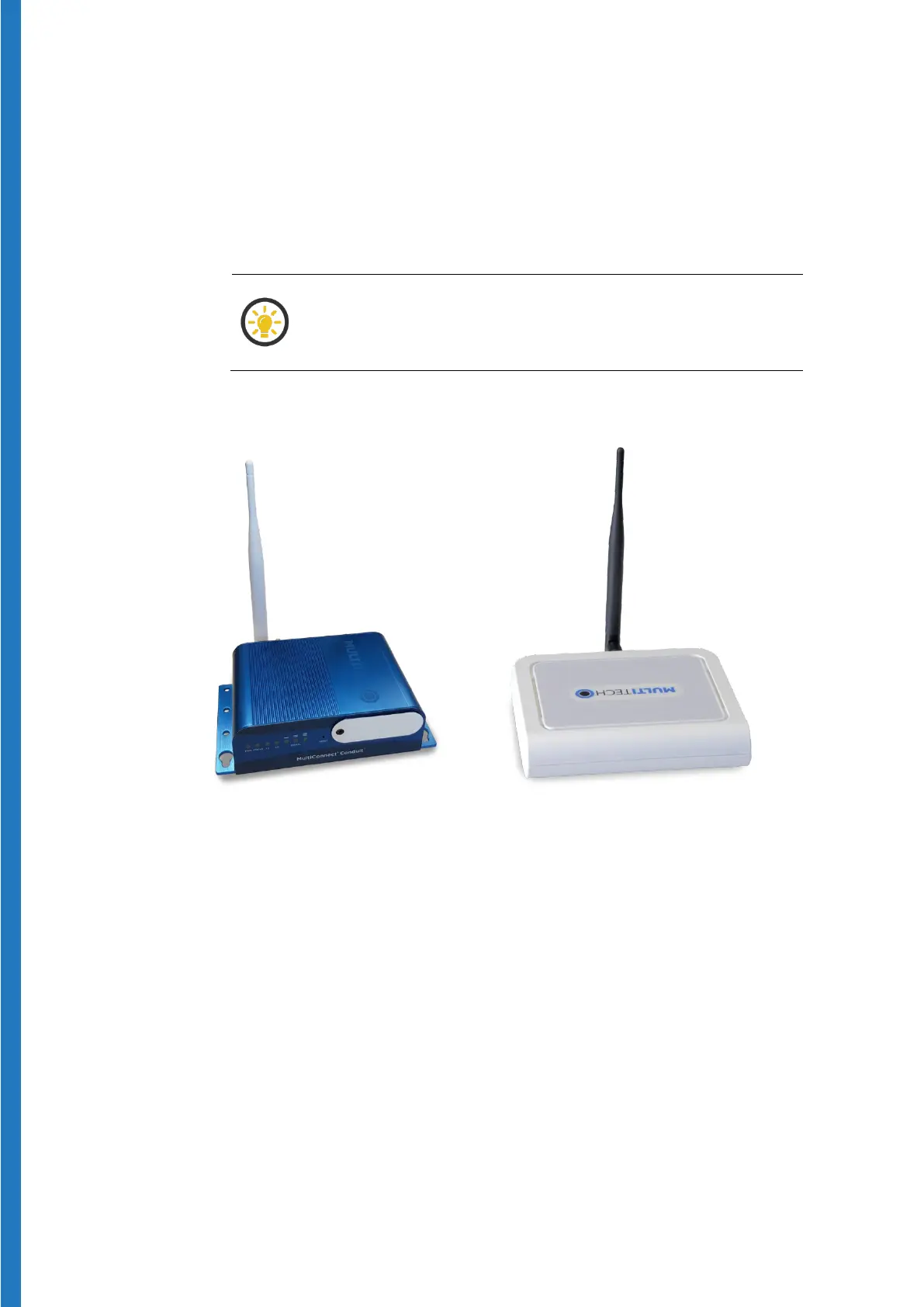
The functionality of the Advanced and Pro models (shown
below) is strictly identical. The two models only vary
somewhat in terms of hardware aspects.
Figure 1 –
LoRaWAN enabled receiver
Figure 2 –
LoRaWAN enabled receiver
1.1 Overview
Designed for use with OCEASOFT wireless modules featuring LoRaWAN™
connectivity, the OCEASOFT LoRaWAN™ receiver is a wireless receiver that
leverages new-generation LoRaWAN™ Internet of Things technology to offer
exceptionally long-range wireless communication.
This receiver can be connected to your local network via either a wired Ethernet
or a Wi-Fi connection, or to a cellular data network with the optional cellular data
option.


 To Next Page