Setting up your receiver
OCEASOFT LoRaWAN Receiver User Guide Page 22
2.4 Wi-Fi connection to your network
(Advanced model only)
This section describes how to configure your receiver with a Wi-Fi wireless
connection using DCHP automatic IP address assignment.
If you need to use your LoRaWAN router in Wi-Fi
mode with a static IP address, please see section
2.4.1– Workaround for Wi-Fi connection with static
IP address, p. 24.
To set up Wi-Fi wireless access for your receiver:
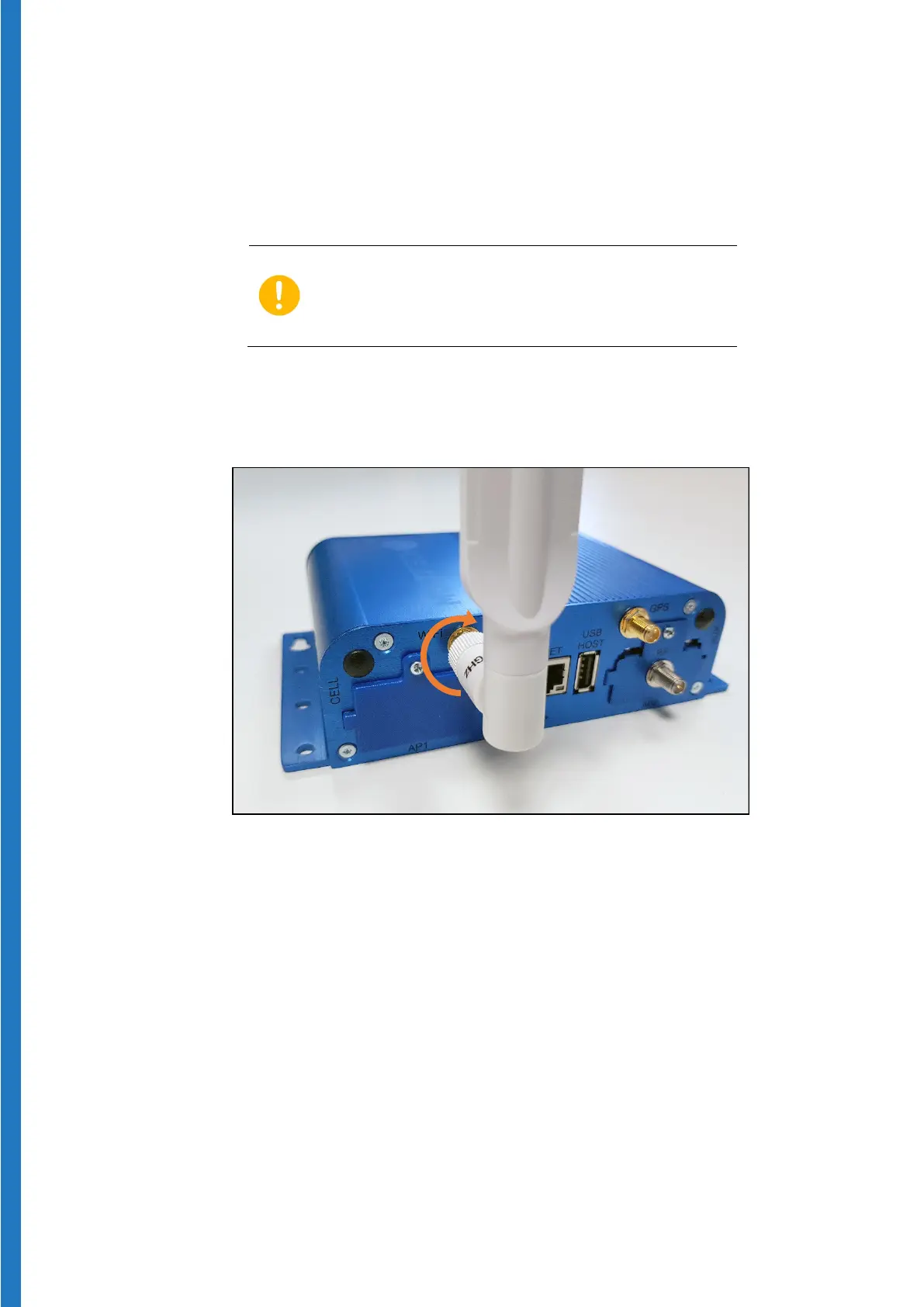
1. Plug the provided Wi-Fi antenna on the Wi-Fi connector and rotate the ring
clockwise to fasten the antenna securely:
Figure 17 – Attaching antenna for Wi-Fi network


 To Next Page