Service Manual RU OHAUS
Page 34 / 53 11/01/2010 Ohaus
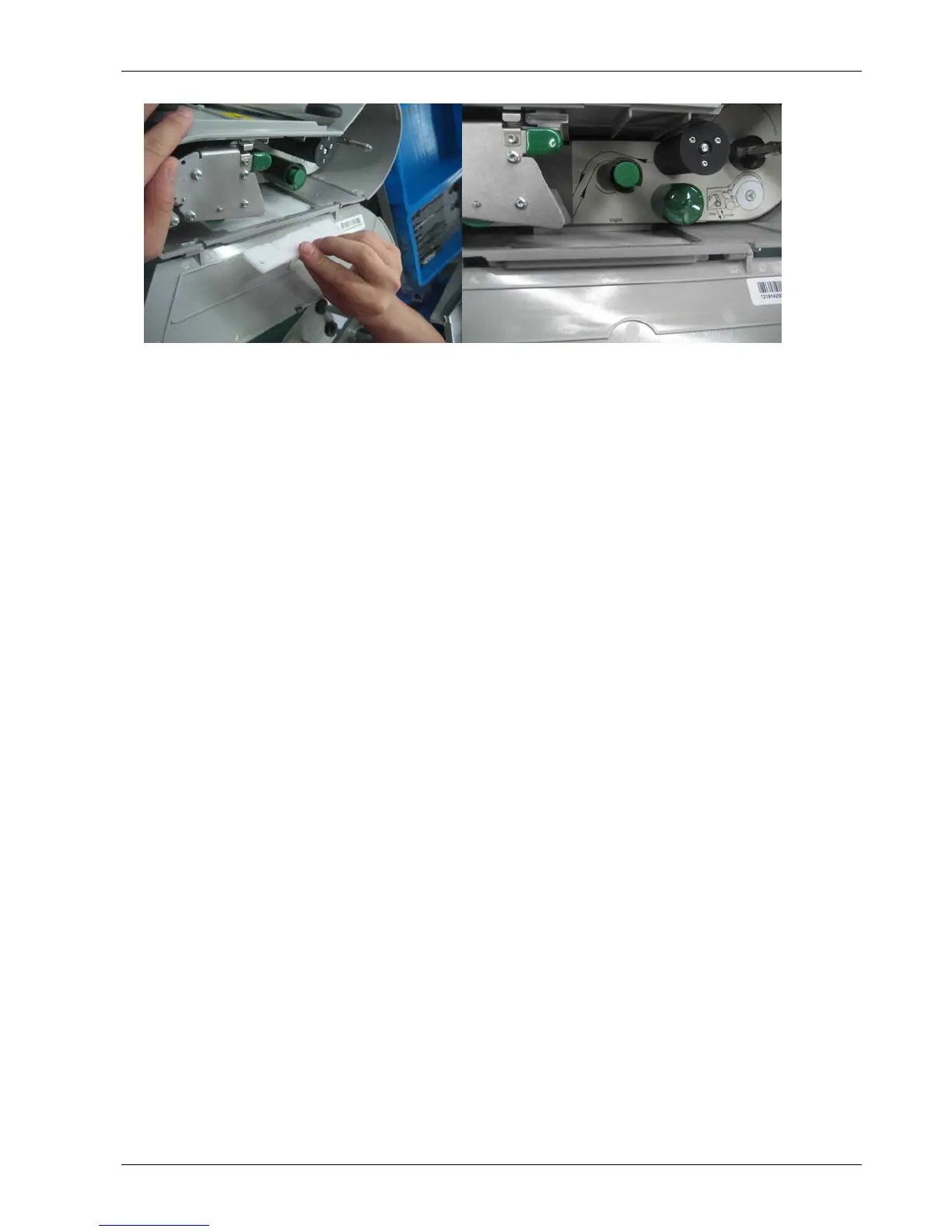
Take out printer
• Power off and take out the power cable from electrical outlet.
• Take away platter.
• Screw out 2 bolts (I) at the bottom of the scale.
• Open the printer door.
• Pull out printer, also disconnect the harness in printer PCB and connect ground wire.
• Take out printer, also with sliding feet under it.
Install printer
• Put the sliding base to right position.
• Insert the harness of the printer PCB and connect the ground wire.
• Put the printer to right position and insert to scale carefully.
• Insert the sliding feet under the printer. Screw down 2 bolts for fixing the printer at
bottom of scale.
• Close printer door.
• Put on platter.
• Power on scale.






 To Next Page