Service Manual RU OHAUS
Page 38 / 53 11/01/2010 Ohaus
20. Maintenance
20.1 External Cleaning
Turn the scale power off by placing the power switch to the OFF position(Press the "0"
on the power switch). Disconnect power cord from outlet.
Use a soft clean cloth dampened with a mild detergent and water (or a mild cleaner) to
wipe the exterior surfaces. Do not spray liquid directly on the unit. A mild spray cleaner
can be used by spraying the cleaning cloth.
20.2 Cleaning Printer head
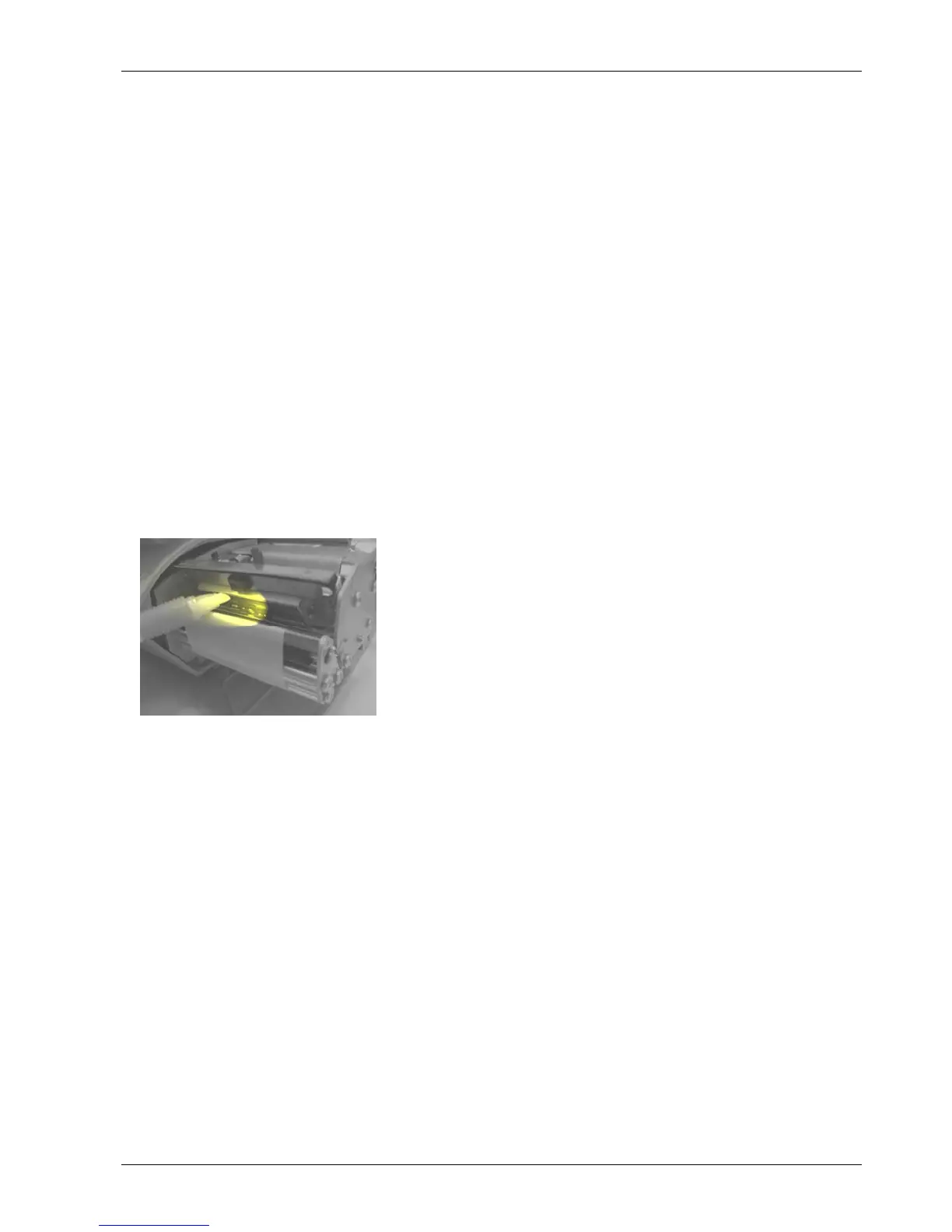
Turn the scale off by placing the power switch to the
OFF position. Disconnect power cord from outlet.
Open the plastic door on the right side of the scale.
Slide out the printer.
Press the trigger to open the print head.
Clean the printer head with a soft clean cloth soaked in
isopropyl alcohol, OHAUS liquid cleaner or equivalent,
or the OHAUS Cleaning Pen.
Push back the print head until it clicks.
Slide the printer in.
Close the plastic door.






 To Next Page