EasyManua.ls Logo

Ohmeda Biox 3700 - Communication Modes and Troubleshooting

Default Icon
130 pages
Print Icon
To Next Page IconTo Next Page
To Previous Page IconTo Previous Page
Loading...
COMPUTER
INTERFACE
PROGRAMMING
Programming
the
IBM
PC
to
Communicate
with
the
Ohmeda
Biox
3700
Oximeter
7.
Continued.••
SYMPTOM
PROGRAM TROUBLESHOOTING
ACTION
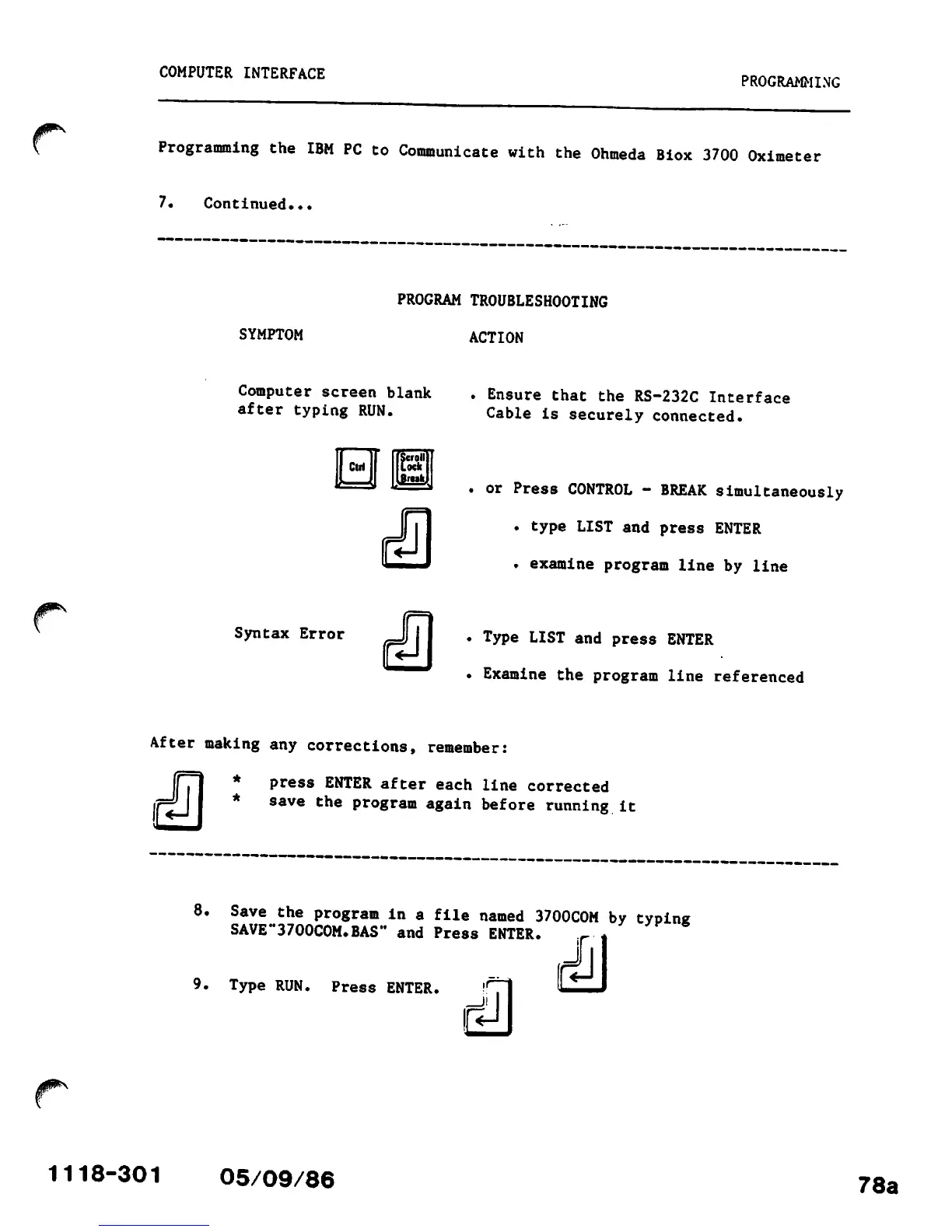
Computer screen blank
after
typing
RUN.
Ctri
t
Scroll
Lock
.Brtik,
. Ensure that the RS-232C Interface
Cable
is
securely
connected.
.
or
Press
CONTROL
-
BREAK
simultaneously
. type LIST and
press
ENTER
.
examine
program
line
by
line
Syntax Error
J)
II .
Type
LIST
and
press
ENTER
.
Examine
the
program
line
referenced
After
making
any
corrections,
remember:
*
press
ENTER
after
each
line
corrected
*
save
the
program
again
before
running
it
8.
Save
the
program
in
a
file
named
3700COM
by
typing
SAVE"3700COM.BAS" and
Press
ENTER.
9.
Type
RUN.
Press
ENTER.
tih
1118-301 05/09/86
78a

Other manuals for Ohmeda Biox 3700

Related product manuals