EasyManua.ls Logo

Ohmeda Biox 3700 - Page 93

Default Icon
130 pages
Print Icon
To Next Page IconTo Next Page
To Previous Page IconTo Previous Page
Loading...
1118-301
COMPUTER
INTERFACE
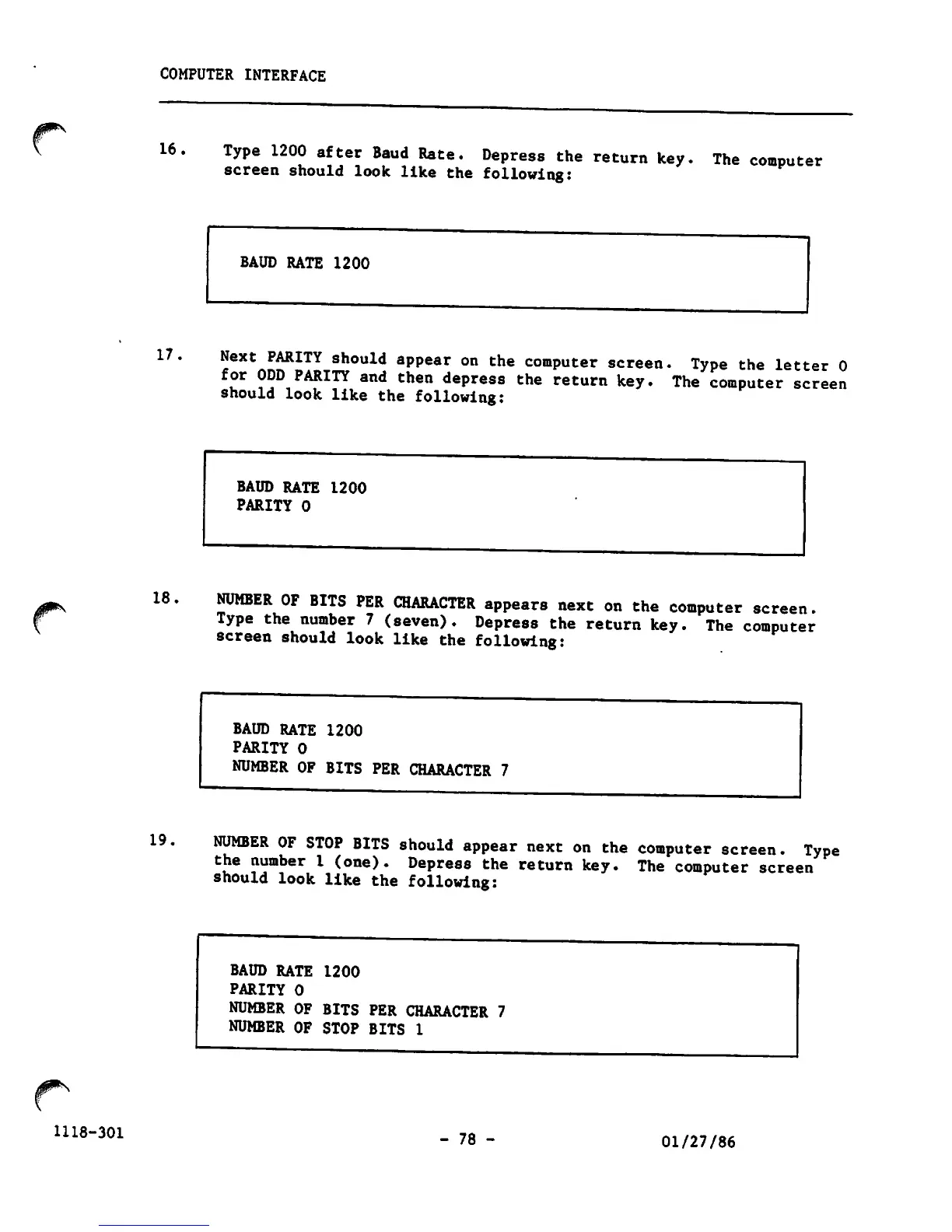
16.
Type
1200
after
Baud
Rate.
Depress
the
return
key
screen
should
look
like
the
following:
The
computer
17.
18
19
BAUD
RATE
1200
Next
PARITY
should
appear
on
the
computer
screen.
Type
the
letter
0
for
ODD
PARITY
and
then
depress
the
return
key.
The
computer
screen
should
look
like
the
following:
BAUD
RATE
1200
PARITY
0
NUMBER
OF
BITS
PER
CHARACTER
appears
next
on
the
computer
screen.
Type
the
number
7
(seven).
Depress
the
return
key.
The
computer
screen
should
look
like
the
following:
BAUD
RATE
1200
PARITY
0
NUMBER
OF
BITS
PER
CHARACTER
7
NUMBER
OF
STOP
BITS
should
appear
next
on
the
computer
screen.
Type
the
number
1
(one).
Depress
the
return
key.
The
computer
screen
should
look
like
the
following:
BAUD
RATE
1200
PARITY
0
NUMBER OF BITS PER
CHARACTER
7
NUMBER OF STOP BITS 1
-
78
-
01/27/86

Other manuals for Ohmeda Biox 3700

Related product manuals