EasyManua.ls Logo

Ohmeda Biox 3700 - Page 94

Default Icon
130 pages
Print Icon
To Next Page IconTo Next Page
To Previous Page IconTo Previous Page
Loading...
1118-301
COMPUTER
INTERFACE
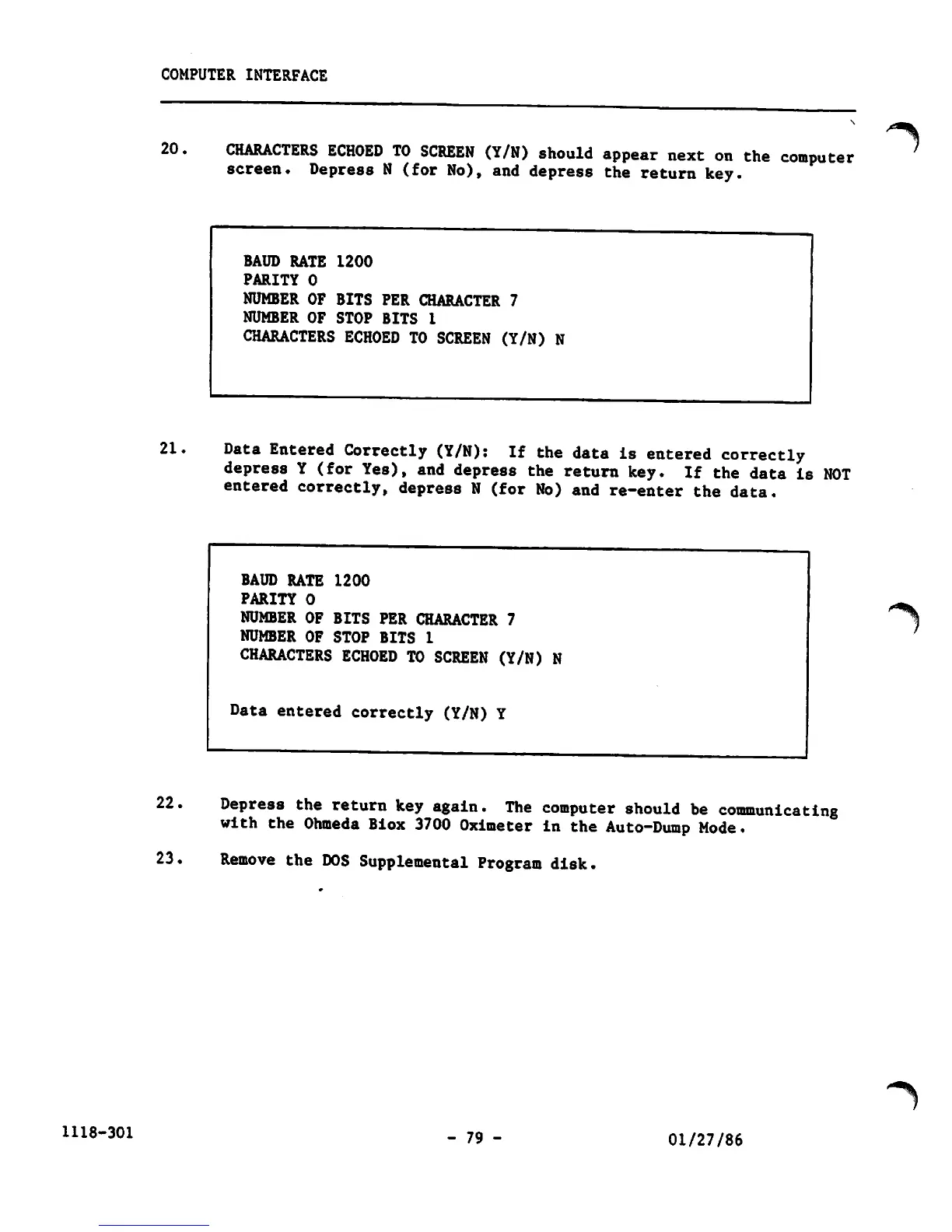
20.
CHARACTERS
ECHOED
TO
SCREEN
(Y/N)
should
appear
next
on
the
computer
screen.
Depress
N
(for
No),
and
depress
the
return
key.
BAUD
RATE
1200
PARITY
0
NUMBER
OF BITS
PER
CHARACTER 7
NUMBER
OF
STOP
BITS
1
CHARACTERS
ECHOED
TO
SCREEN
(Y/N)
N
21.
Data
Entered
Correctly
(Y/N):
If
the
data
is
entered
correctly
depress
Y
(for
Yes),
and
depress
the
return
key.
If
the
data
is
NOT
entered
correctly,
depress
N
(for
No)
and
re-enter
the
data.
22.
BAUD
RATE
1200
PARITY
0
NUMBER OF BITS PER CHARACTER 7
NUMBER
OF
STOP
BITS 1
CHARACTERS
ECHOED
TO
SCREEN
(Y/N)
N
Data
entered
correctly
(Y/N)
Y
Depress
the
return
key
again.
The
computer
should
be
communicating
with
the
Ohmeda
Biox
3700
Oximeter
in
the
Auto-Dump
Mode.
23.
Remove
the
DOS
Supplemental
Program
disk.
- 79 -
01/27/86
"^
"*%

Other manuals for Ohmeda Biox 3700

Related product manuals