Maintenance > 56
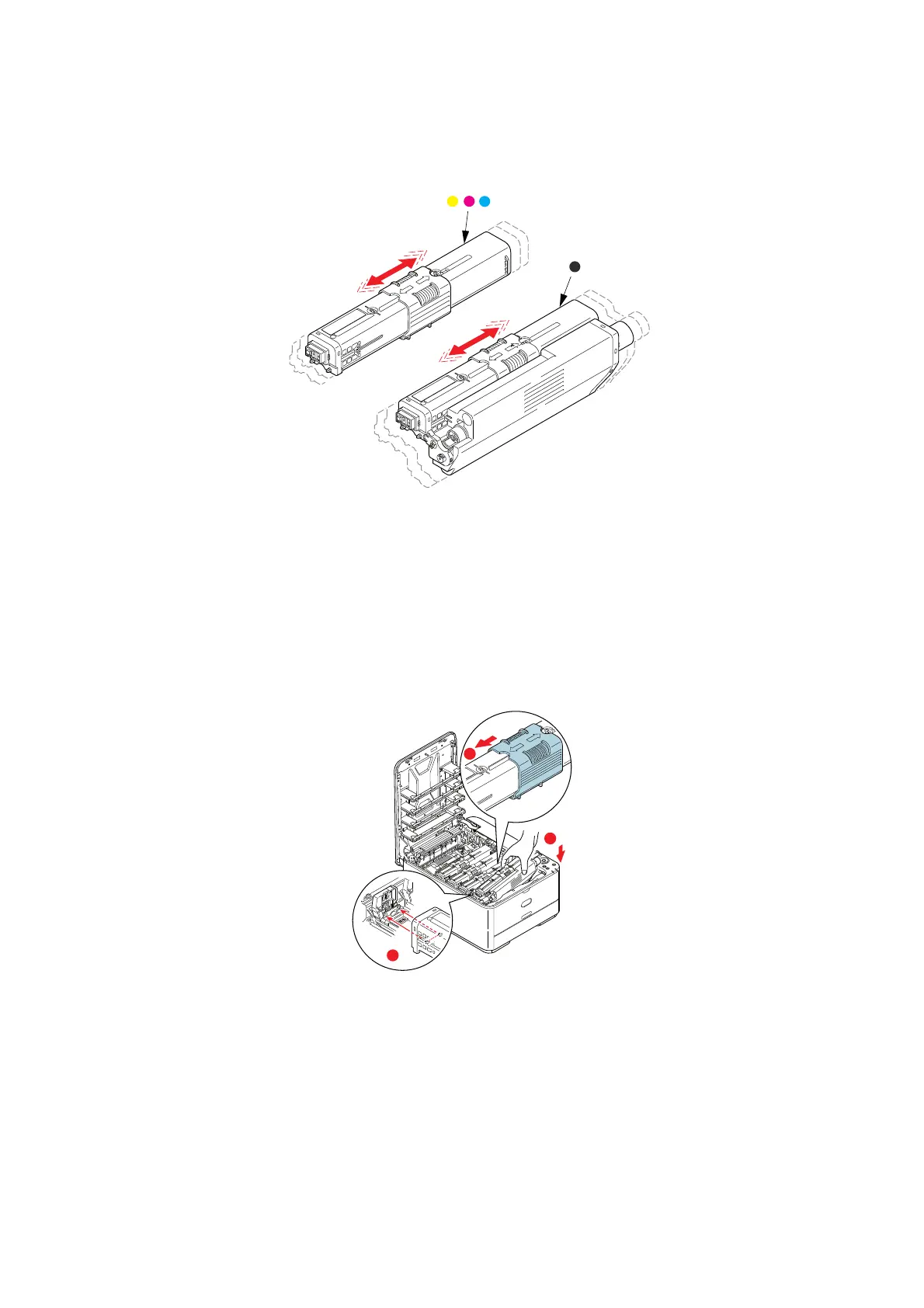
5. Remove the new cartridge from its box but leave its wrapping material in place for
the moment.
6. Gently shake the new ca
rtridge from end to end several times to loosen and
distribute the toner evenly inside the cartridge.
7. Remove the wrapping material.
8. Holding the cartridge by its top centre, lower it into the printer over the imag
e drum
unit from which the old cartridge was removed.
9. Insert the left end of the cartridge into the top of the image drum uni
t first, pushing
it against the spring on the drum unit, then lower the right end of the cartridge down
onto the image drum unit.
10. Pressing gently down on t
he cartridge to ensure that it is firmly seated, slide the
colored collar fully towards the left hand side of the printer. This will lock the
cartridge into place and release toner into the image drum unit.
b
c
a



 To Next Page