3
Playback
17
EN
Playback
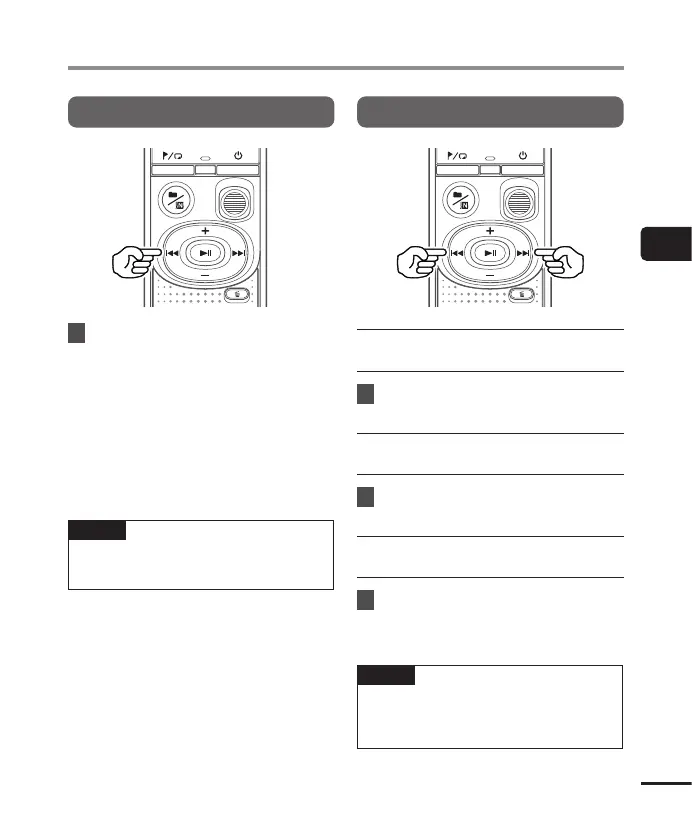
Rewinding
1
Press and hold the 0 button
during playback.
• Playback starts from the current
position when you release the 0
button.
• If an index mark or temp mark in the
file is reached, rewinding stops at the
mark (☞P. 23).
• Rewinding stops when the beginning
of the file is reached.
TIP
• Press the 0 button during playback
to rewind 3 seconds.
Skipping to the beginning of a file
Skipping to the beginning of the
next file
1
Press the 9 button while the
voice recorder is in stop mode.
Skipping to the beginning of the
current file
1
Press the 0 button while the
voice recorder is in stop mode.
Skipping to the beginning of the
previous file
1
Press the 0 button when
the playback position is the
beginning of the file.
TIP
• To skip the files continuously, pressing
the 9 or 0 button while the
recorder is in stop mode.



 To Next Page