3
Playback
18
EN
Playback
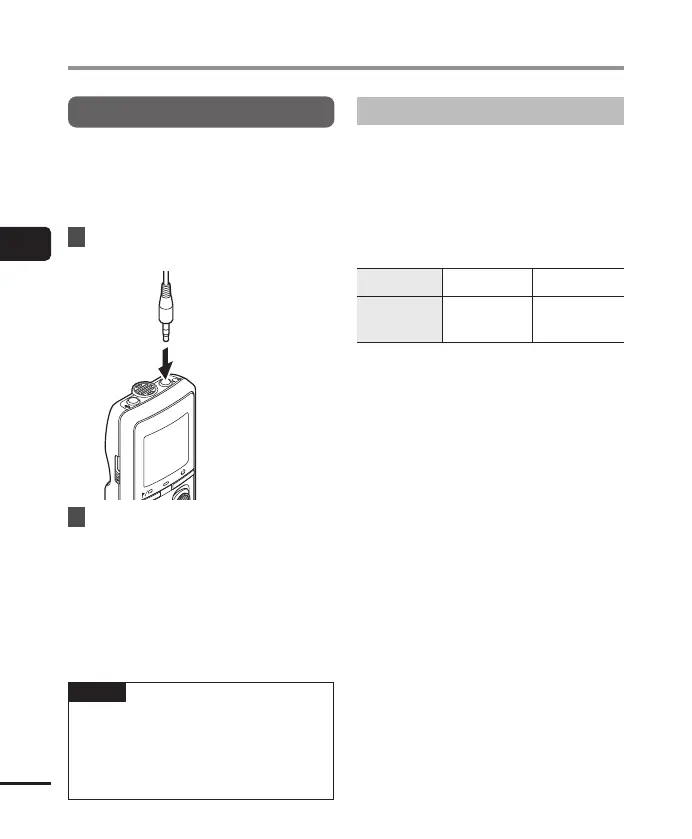
Playback through the earphones
You can connect the earphones to the voice
recorder’s q jack and listen to playback
through them.
• The earphones are optional.
1
Connect the earphones to the
voice recorder’s q jack.
To q jack
2
Press the p button to start
playback.
• There will be no sound from the speaker
when the earphones are connected.
f
CAUTION
• Avoid excessive volume when listening to
playback through the earphones.
It may cause hearing damage or loss.
NOTE
• To avoid unpleasantly loud sound, set
the volume to [00] before plugging in
the earphone.
• If the volume is set too loud, a warning
screen may appear.
Music files
If a music file transferred to the voice recorder
is unplayable, check that its sampling rate,
bit count and bit rate values are within the
supported ranges. The sampling rate, bit
count and bit rate combinations supported
for music file playback by the voice recorder
are shown below.
File format Sampling rate Bit rate
WMA format
8 kHz,
22.05 kHz,
44.1 kHz
5 to 320 kbps
• Even if the file formats is compatible for
playback on this recorder, the recorder does
not support every encoder.



 To Next Page