USING SIMPLECENTER
14
STEP 4 Using SimpleCenter
The different functions provided by SimpleCenter can be accessed using the toolbar
icons along the top of the SimpleCenter window.The following is a summary of
SimpleCenter tool bar features:
Guide Get album art, artist information, song lyrics, and more information
on just about any music artist.
Devices All the tools for managing your Omnifi including software upgrade.
Media Library Add, manage and organize the music you want to listen to on your
Omnifi. Make playlists and playlist groups.The Watch List function
automatically adds digital media to the database so it is available at
any Omnifi device.
Channels Gives you access to music and spoken word content from the
Internet.
CD Allows you to convert your CDs to digital music files and add them
directly into the SimpleCenter music library.The full-speed converter
will convert to MP3 or WMA formats.
Online Help Look here for more information on how to perform a task.
Description of SimpleCenter Toolbar Features
Guide
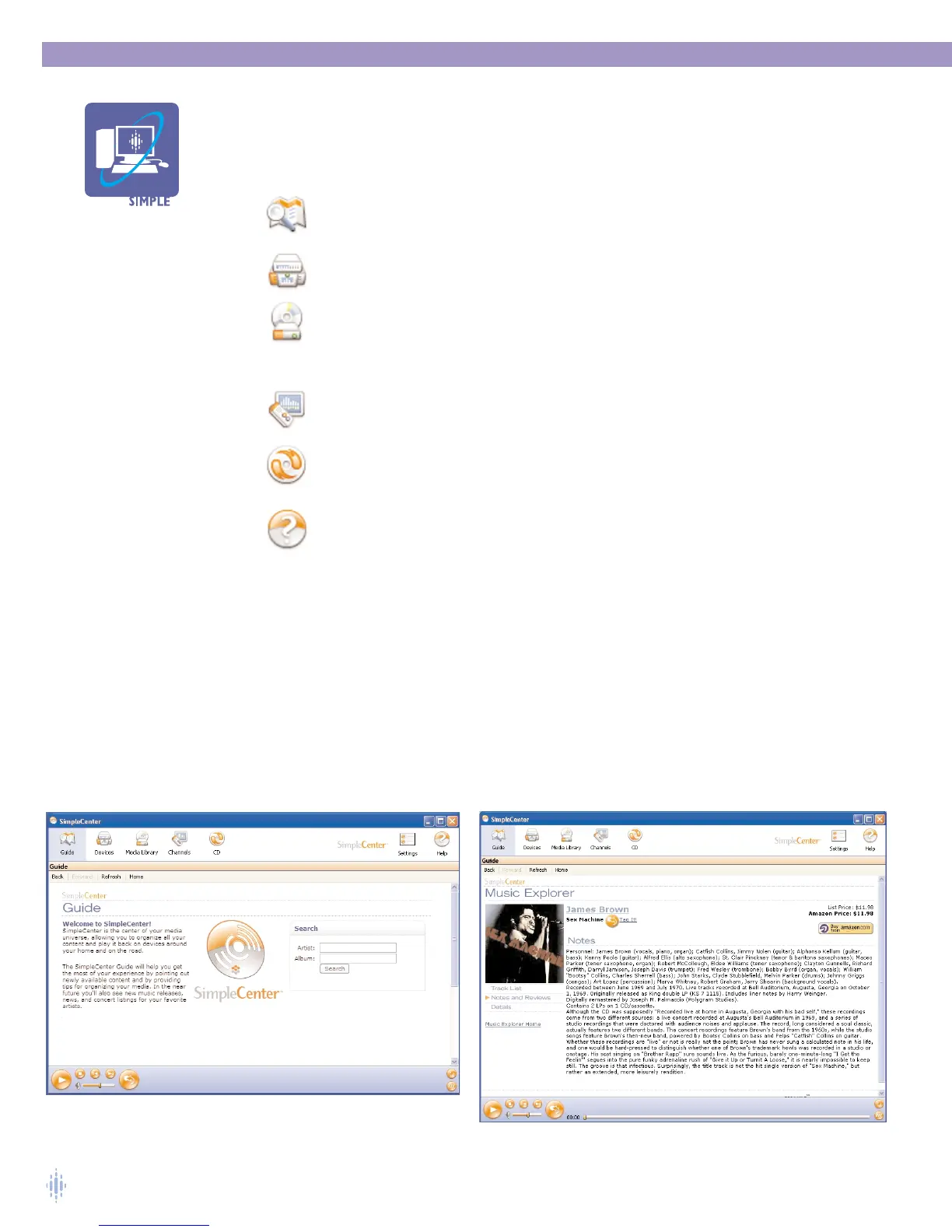
When you click on the Guide icon in your SimpleCenter toolbar, SimpleCenter gives
you access to an online encyclopedia of information about music. Use the search
feature to find information on music artists, figure 18.
The search feature will return a wealth of information about the artist including
discography, artist or band biography, album lists, album art, and reviews, figure 19.
Figure 18
Figure 19



 To Next Page