USING SIMPLECENTER
20
Clean Media (ID3 data) Service
Many digital media files may be found to have no ID3 data or wrong ID3 data.
SimpleCenter provides an ID3 data cleaning service that will correct ID3 data in your
digital media files with a single button click.
To clean media, simply highlight a track and select the Clean Media Info in the menu
shown above.The media information will update in a few seconds.
NOTE: Your PC must be connected to the internet to use the Clean Media
feature.
Explore Artist / Album
With two mouse clicks you can access a wealth of information on artist and album
for just about any digital media track.The menu shown provides two selections:
Explore this Artist and Explore this Album.
Clicking on either of these selections will take you to the Guide, a music information
discovery tool. Guide is described earlier in this chapter.The Guide will show a web
page full of information and other hyperlinks to information about the highlighted artist
and album.
Channels
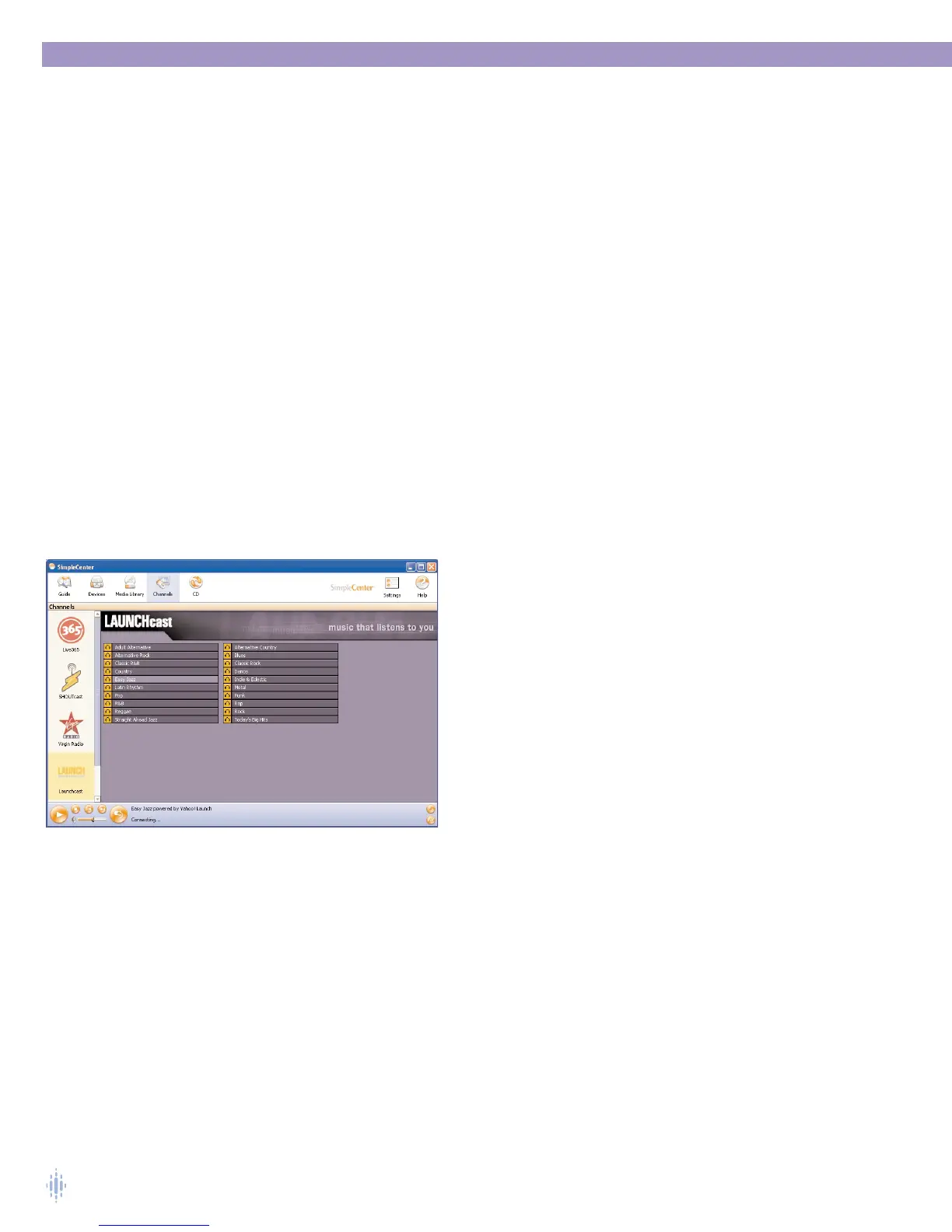
Click on the Channels icon on the toolbar to access content from channels, which
are Internet-based media services.The channels you see on your channel list may be
different than those shown, figure 31, depending on the servic-
es available to you.
Click on a channel icon in the left pane to access content from
the channel.
For more information about
SimpleCenter channels and the
media and services available, see SimpleCenter Service in
Online Help.
Each Channel is a unique service provided by that Channel
brand. Some channels are free (ad supported) while other
Channels require subscriptions.
For Channel content services that are subscription-based, you
will be able to set up an account, or access an existing
account, within the right pane in SimpleCenter, when you select
a content provider in the left pane.
NOTE: Some services are Internet-streaming only, while other services file-based
(the files are stored on the PC and updated regularly). Streaming and
caching services are available on Omnifi Digital Media Streamer devices.
Only caching services are available on Omnifi Digital Media Player
devices
Figure 31



 To Next Page