Application Management Activation
2-6 80-JB566-1 Rev. G
MAY CONTAIN U.S. AND INTERNATIONAL EXPORT CONTROLLED INFORMATION
Application Management
The applications that are made available to a unit are assigned by the customer using an
Operational Profile. A customer can select which applications a given unit should have.
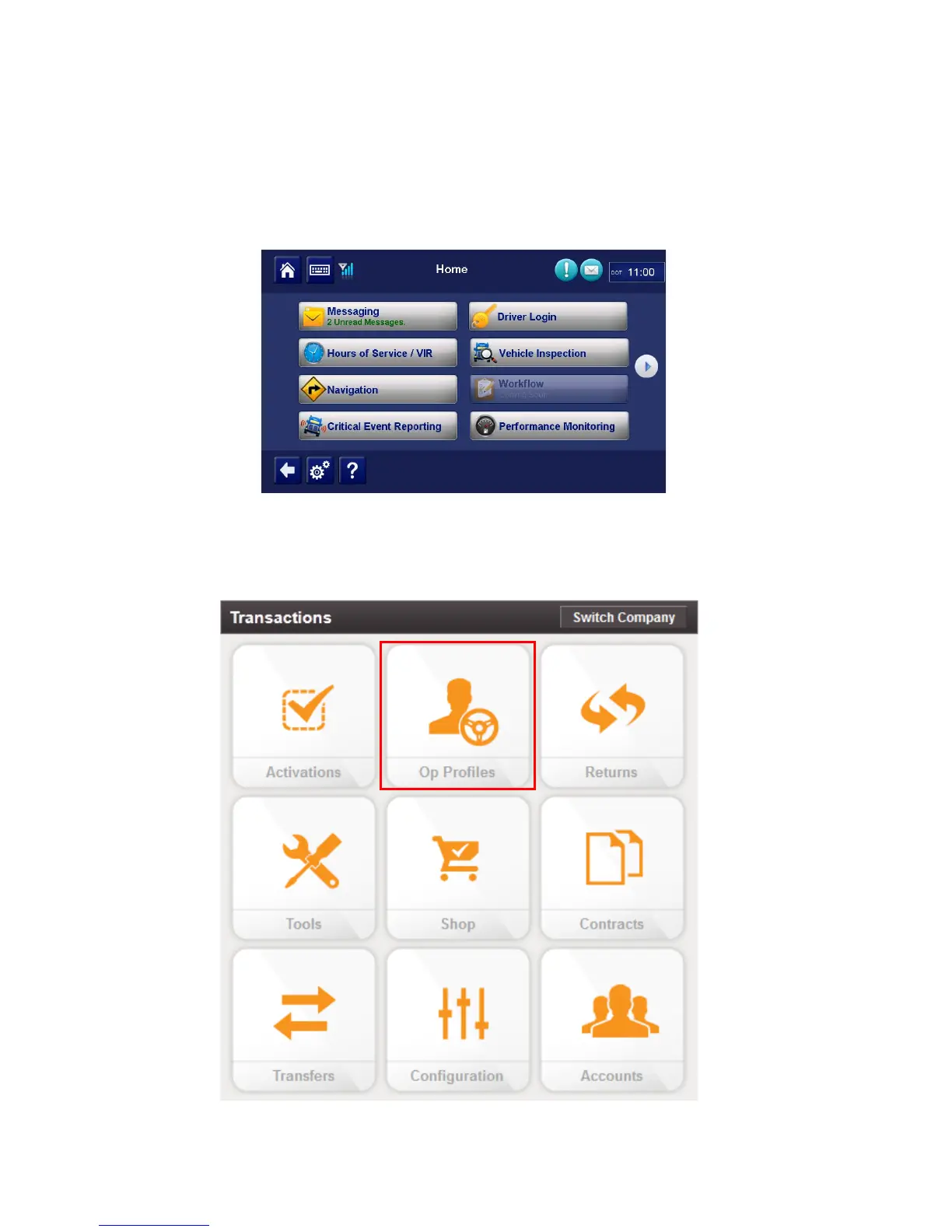
Those applications that are not available will not be selectable at the MCP50 display (grayed
out). In the sample screen below, Workflow is showing as not available.
1. To make changes to operational profile, from the Customer Portal home page, click the
Operational Profiles icon.


 To Next Page