80-JB566-1 Rev. G 27-5
MAY CONTAIN U.S. AND INTERNATIONAL EXPORT CONTROLLED INFORMATION
In-Cab Scanner Diagnostic Procedure Return Material Authorization (RMA) Process for Scanners
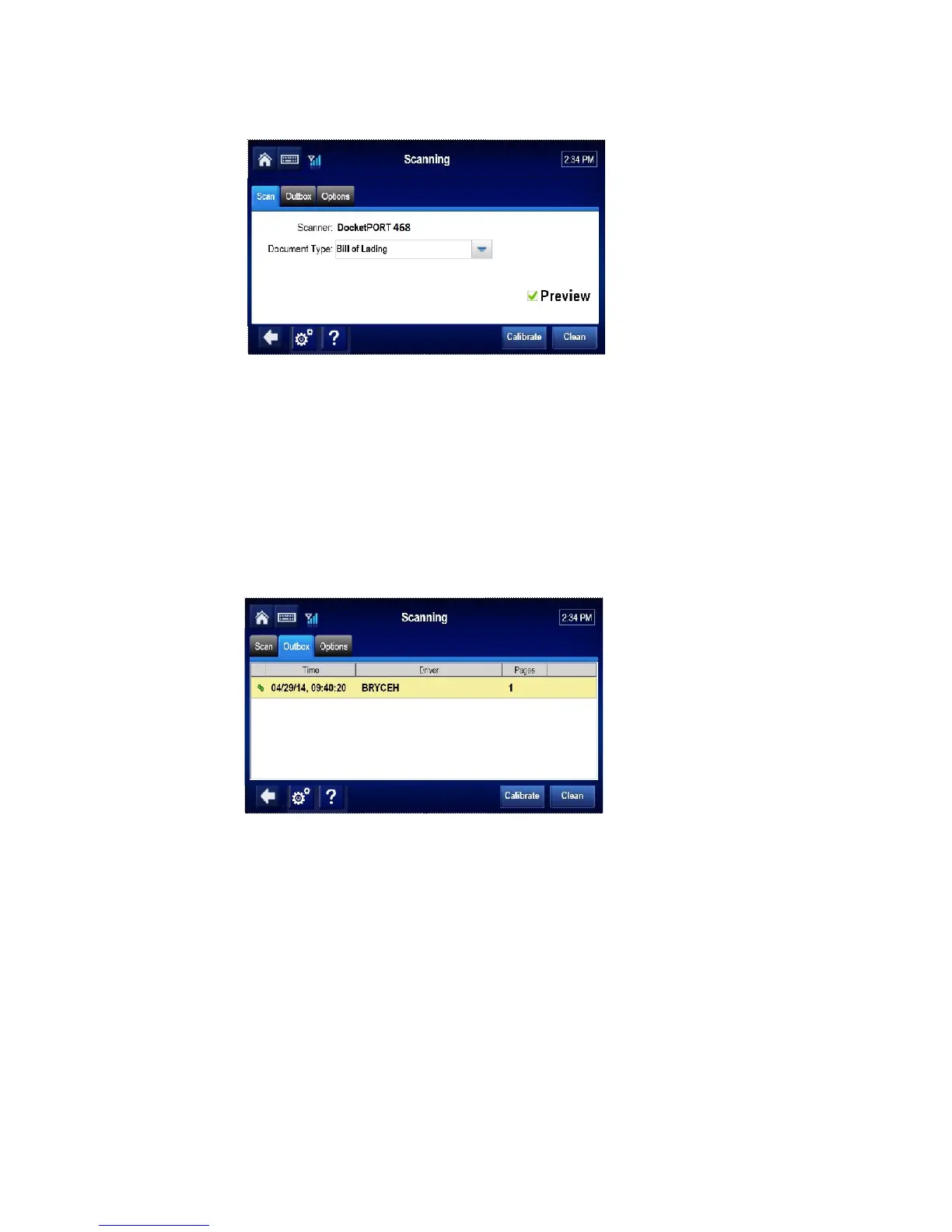
13. Tap the Scan Page button.
Note
If the preview box is checked, a preview page will appear. Tap the Accept button.
14. Tap the Done button.
15. Select the active Driver ID from the drop-down list, and enter the Load and Trailer #.
Tap the Send button.
16. When asked to confirm, tap the OK button.
17. Tap the Outbox tab and confirm a green check mark is displayed next to the scan.
Return Material Authorization (RMA) Process for Scanners
1. Request an RMA from BCS Solutions:
http://www.bcssolutions.com/mcpscn/rma
2. BCS Solutions arranges shipment of a replacement component to you.
3. Return the failed component to the address specified by BCS Solutions.


 To Next Page