80-JB566-1 Rev. G 8--1
MAY CONTAIN U.S. AND INTERNATIONAL EXPORT CONTROLLED INFORMATION
8
In-Cab Scanner Installation
Overview
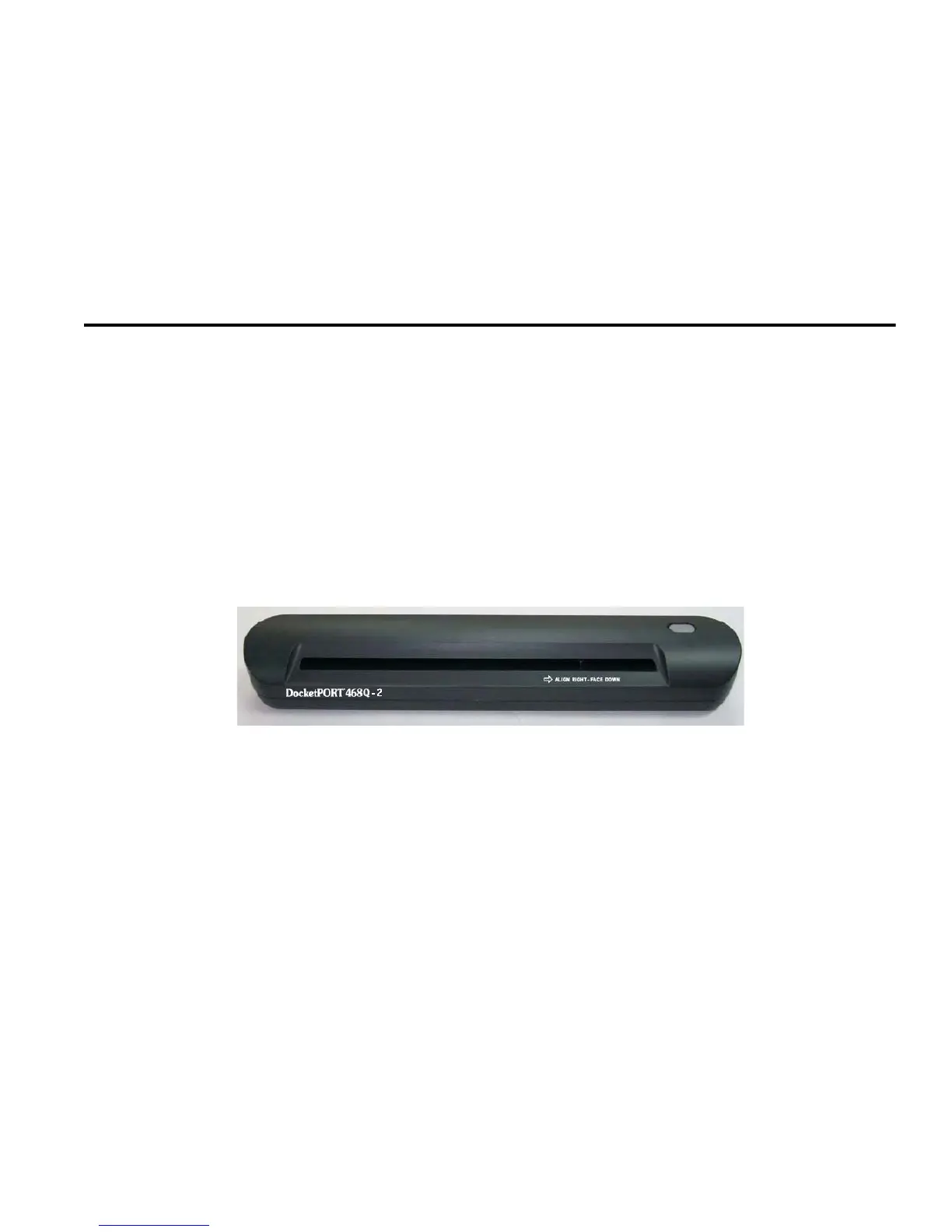
For scanners to work on the MCP50 both the application software and operating system must
meet the minimum requirements as described below.
Minimum Requirements
• Software version CA0921R.
• Windows CE operating system LT0038 and higher.
Note
Only scanners ordered through and obtained by BCS Solutions are supported by Omnitracs.
These scanners are specifically configured for Omnitracs in-cab products.
https://omnitracs.bcssolutions.com/q/mcpscn/default.aspx
For technical support for the in-cab scanner, contact BCS Solutions:
• In the United States and Canada, call 800-555-5555 or 877-411-2633
• Fax: 714-899-4850
For initial support only, contact Omnitracs Customer Support.
Customer Support is staffed 24 hours a day, 365 days a year:
• In the United States, call 800-541-7490
• In Canada, call 800-863-9191


 To Next Page