80-JB566-1 Rev. G 24-1
MAY CONTAIN U.S. AND INTERNATIONAL EXPORT CONTROLLED INFORMATION
24
Acquiring Network Problem
Problem: Stuck on Acquiring Network Screen
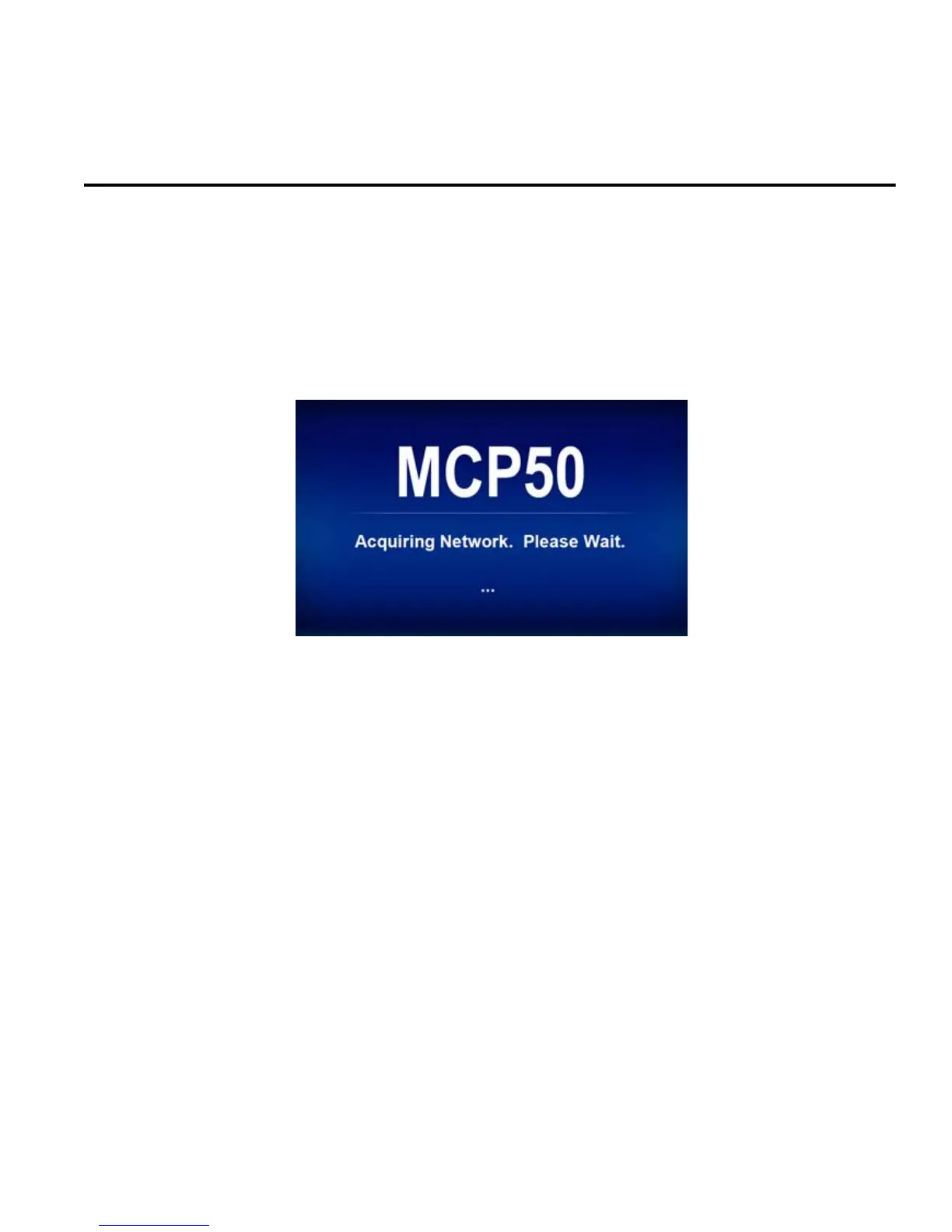
When an MCP50 unit boots up, it will attempt to get the system time/date from either the
cellular network or from GPS. Under normal circumstances, it will get these values in 30
seconds to a minute and load the applications. While it is acquiring the time/date the screen
below will be displayed:
If the unit is unsuccessful in getting the time/date values from the network, it will attempt to
reboot after a few minutes.
If the MCP50 system is frequently taking longer than 1 minute to acquire the network, it could
be because:
• Out of cellular coverage and antenna is blocked/obstructed and GPS signals are not being
received
• Bad antenna/antenna connections or bad VTM
If the MCP50 system continues to cycle through showing the acquiring screen and rebooting
process, follow the steps in this section.


 To Next Page