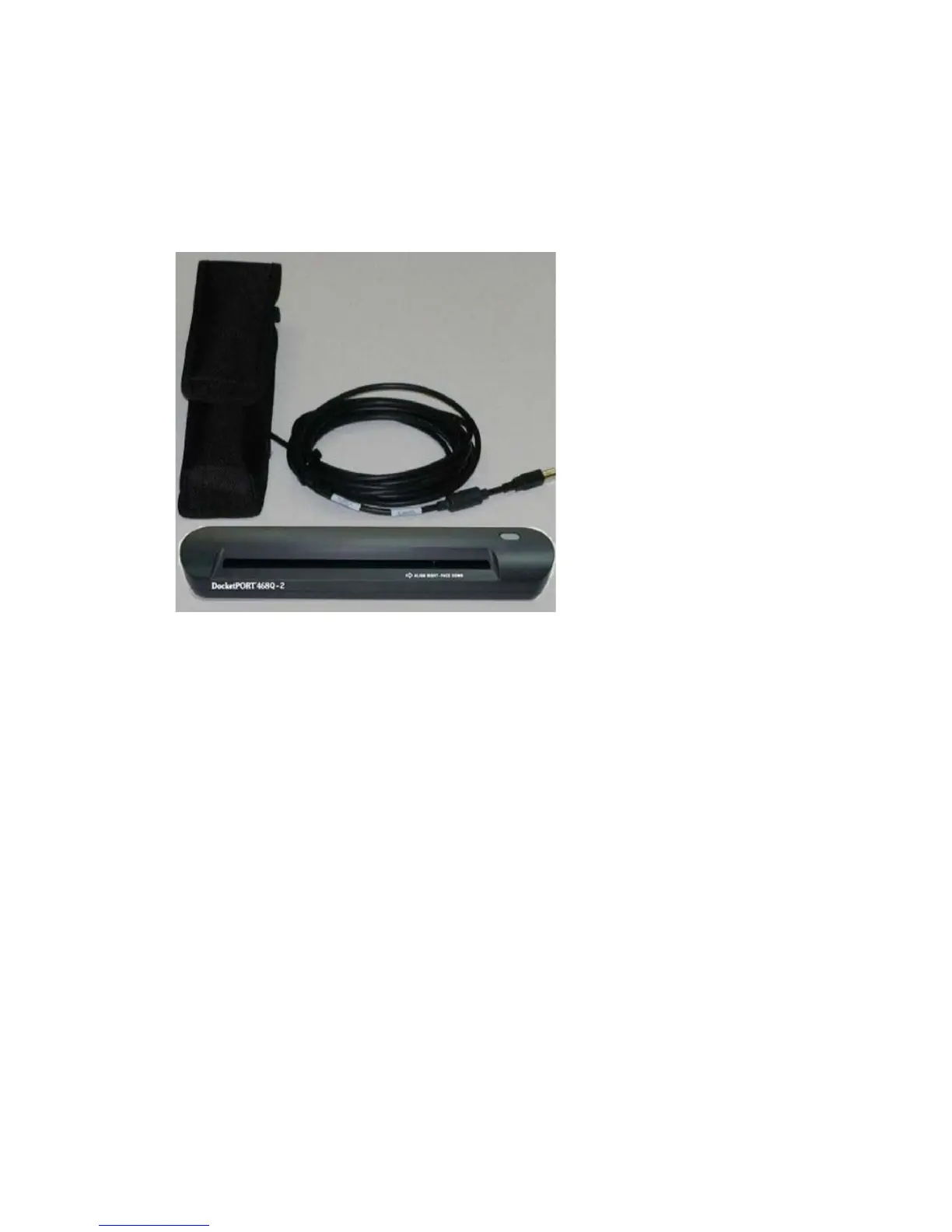
Installation Guidelines In-Cab Scanner Installation
8--2
MAY CONTAIN U.S. AND INTERNATIONAL EXPORT CONTROLLED INFORMATION
80-JB566-1 Rev. G
Installation Guidelines
Install the scanner in the cab of the vehicle in a location that is convenient and safe. This can
be on a vertical or horizontal surface. The scanner cannot obscure the driver’s view of the
road.
Mounting the Scanner
The scanner can be mounted in one of two ways, with or without the holster.
Scanner Mounting Option (Without the Holster)
1. Cut the dual-lock tape into four 2.5" sections.
2. Clean the scanner bottom with an alcohol pad, remove protective film, and apply two
dual-lock pieces to the bottom ends of the scanner.
3. Clean the vehicle’s mounting surface with an alcohol pad.
4. Remove the protective film and apply two dual-lock pieces to the desired mounting
surface.


 To Next Page