Sending a Scan In-Cab Scanner Installation
8--4
MAY CONTAIN U.S. AND INTERNATIONAL EXPORT CONTROLLED INFORMATION
80-JB566-1 Rev. G
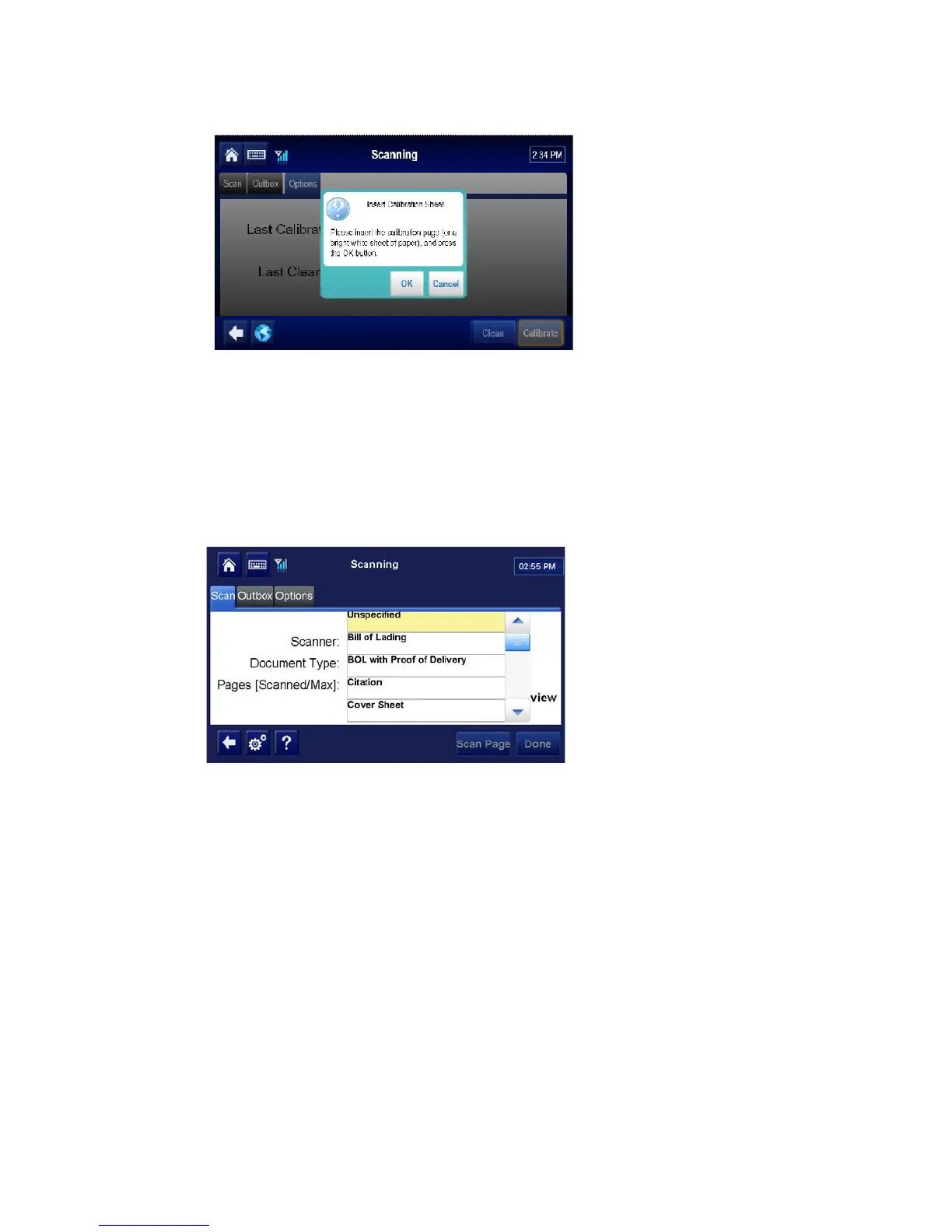
3. Tap the Calibrate button. Wait a few minutes for the calibration to complete.
4. Tap the Scan tab to return to the scanning home screen.
Sending a Scan
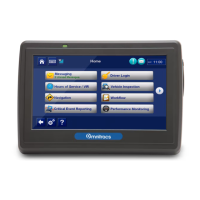
1. On the Home screen, tap the Scanning button.
2. Select the Document Type from the drop-down list.
3. Insert the paper, face down.
• The paper will go in about 1/2".
• If the paper is not 8-1/2" wide, line it up with the right edge.


 To Next Page