Abnormal Performance In-Cab Scanner Diagnostic Procedure
27-2 80-JB566-1 Rev. G
MAY CONTAIN U.S. AND INTERNATIONAL EXPORT CONTROLLED INFORMATION
Abnormal Performance
Note
Only scanners ordered through and obtained by BCS Solutions are supported by Omnitracs.
These scanners are specifically configured for Omnitracs in-cab products.
https://omnitracs.bcssolutions.com/q/mcpscn/default.aspx
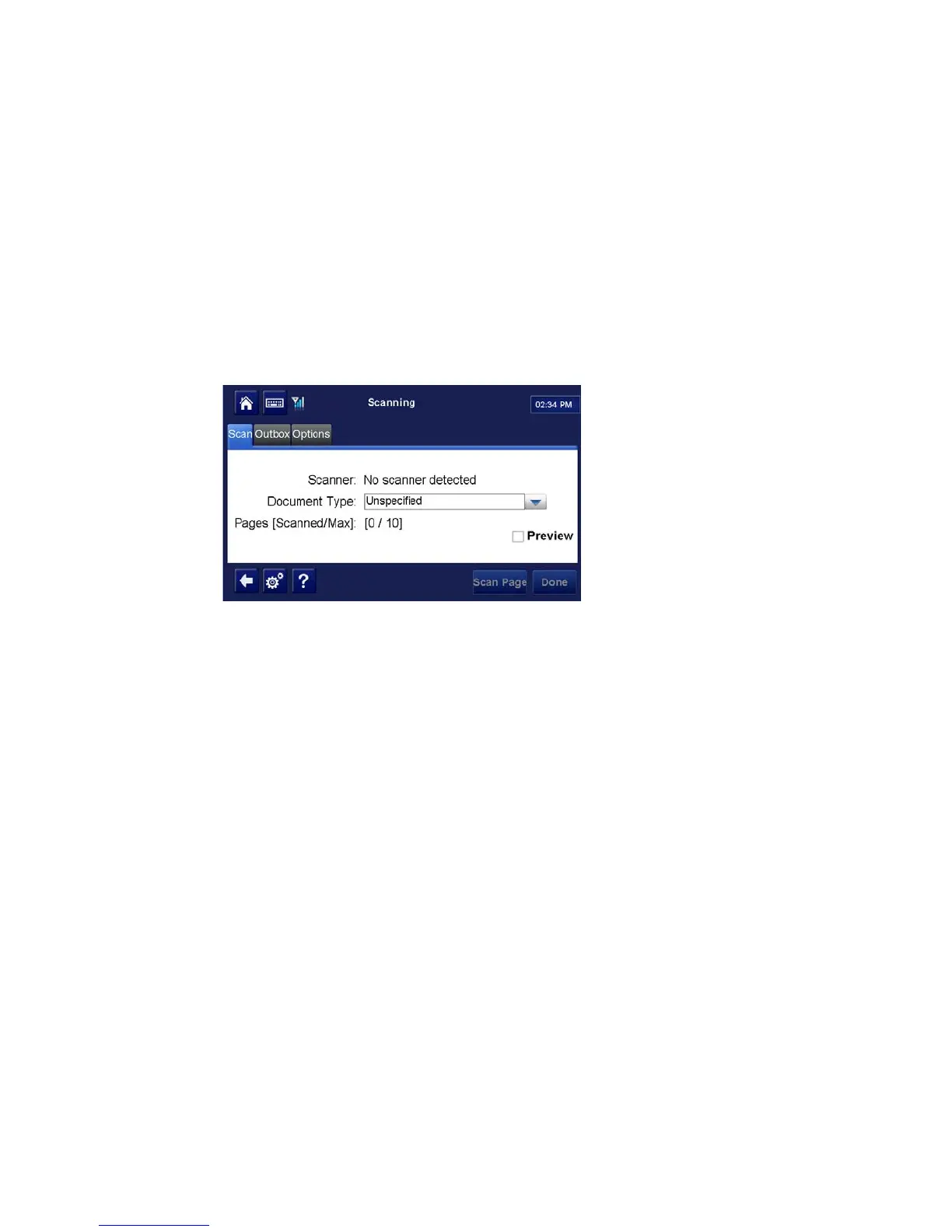
If the scanner is not detected by the application or does not scan a document and you have
followed the instructions in Chapter 8: In-Cab Scanner Installation and, if necessary, the
Installation Procedure that follows, there is a problem.
A problem is most likely caused by one or more of the following.
Software and/or OS
Verify software version CA0917R is present with Windows CE operating system LT0038 and
higher.
Loose USB Cable Connection
If the scanner is not detected, reseat the cable at both ends (scanner and MAS).
Scanner or Scanner Cable
If the scanner is detected but will not scan, run the calibration process and then try scanning
a document again.
If it is still not working, and if possible, connect a known-good scanner and scanner cable to
the MAS and attempt to scan and send a document.
If you still cannot scan and send a document, reset the MAS and try again.


 To Next Page