29
RFID System
User's Manual
SECTION 2
FL Remote ID
SECTION 2
Installation, Connections, and Wiring
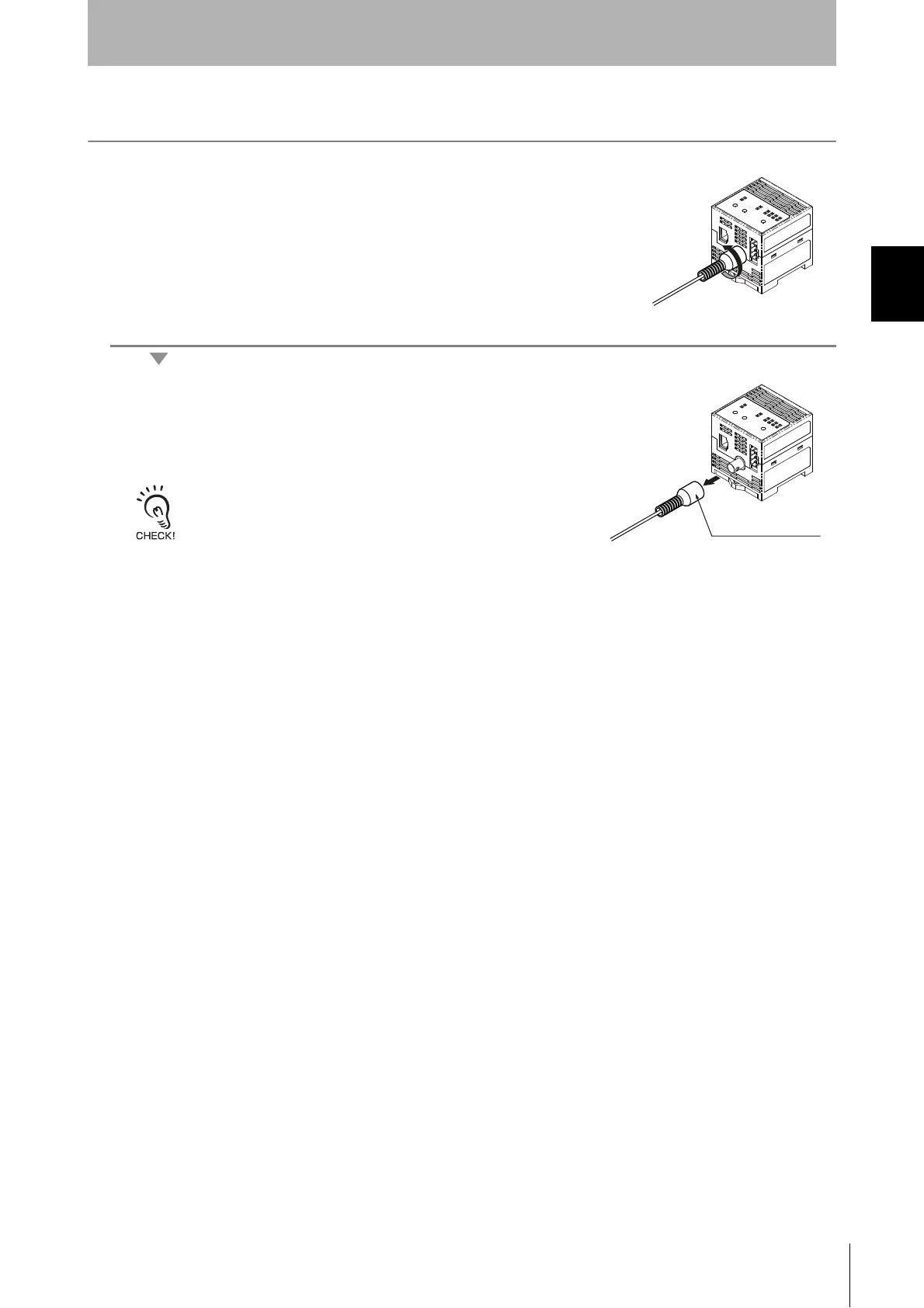
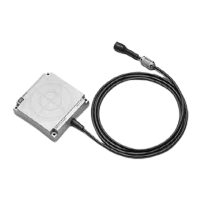
Removing the Antenna
1. Turn the connector in counterclockwise to release the lock.
2. Pull the connector straight out of the port.
The connector cannot be removed without turning it to release the lock.
If the cable is pulled without releasing the lock, it may cause the cable or
wires to break. Make sure that the lock is released before pulling out the
connector.


 To Next Page