Language
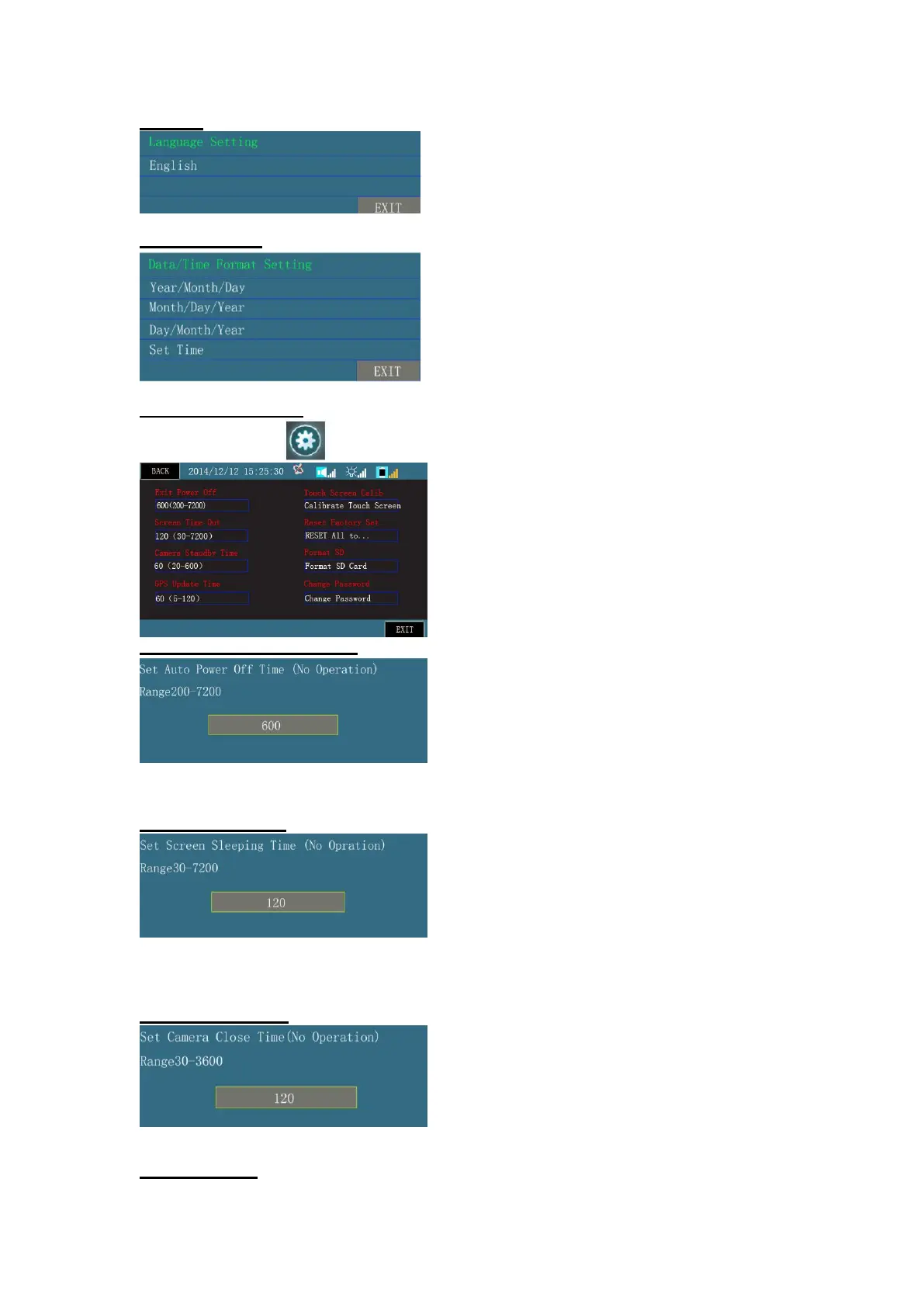
It is language setting for menu, text and voice info. The default language is English.
Time Info Settings
Set date and time. When receiving the device, set Time Zone correctly.
Parameters Setting Page
On homepage, click icon to enter. Use buttons or touch screen to operate.
Nothing-is-done Power-off Time
Power-off time for the device. When nothing is done to the device, the timer starts. When timer reaches the time
set, the device will automatically power off. The setting range is 200-7200s. (Remark: when range value is 0, auto
power-off is invalid.)
Display Standby Time
For LCD screen backlight sleep time, when nothing is done to the device, the timer starts. When timer reaches the
set time, the LCD screen will sleep. Use any button to reactivate the screen. The setting range is 30-7200s.
(Remark: when range value is 0, auto power-off is invalid.)
Camera Standby Time
For camera power-off time, when the device is not measuring speed, the timer starts. When the timer reaches
the set time, the camera will be power off. To activate camera into working mode, re-start speed measurement.
GPS Update Time


 To Next Page