FT
-
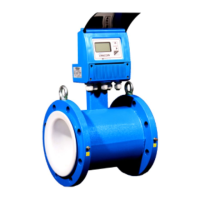
3500 ELECTROMAGNETIC FLOW METER
ONICON Incorporated 727.447.6140 Page 37 onicon.com
Access this screen through Main Menu --> User
Cong --> Input/Output --> Freq. Out
Frequency Out Settings:
This feature is typically used if the FT-3500 is connecting to
an ONICON peripheral such as SYS-10, SYS-20, SYS-1000 or
D-100 via Meter Factor. The user can set the Frequency Max
(Hz) and the Flow at MaxFreq (GPM) via the keypad.
Note: Making changes to the “Flow at Max Frequency”
or the “frequency Max” will also result in a change in the
Meter Factor.
Meter Factor = Frequency Max (Hz) x 60 / Flow at Max Freq
(GPM)


 To Next Page