Chapter 5
181818181818
INITIAL SETUP
For the first inial se tup, on screen setup wizard will guide you through seng
our TV. Please follow according to onscreen
guide to setup your TV correctly.
Be sure to follow the below prompts to pair your Blue tooth remote control. After the pairing is successful, you can now operate
the TV.
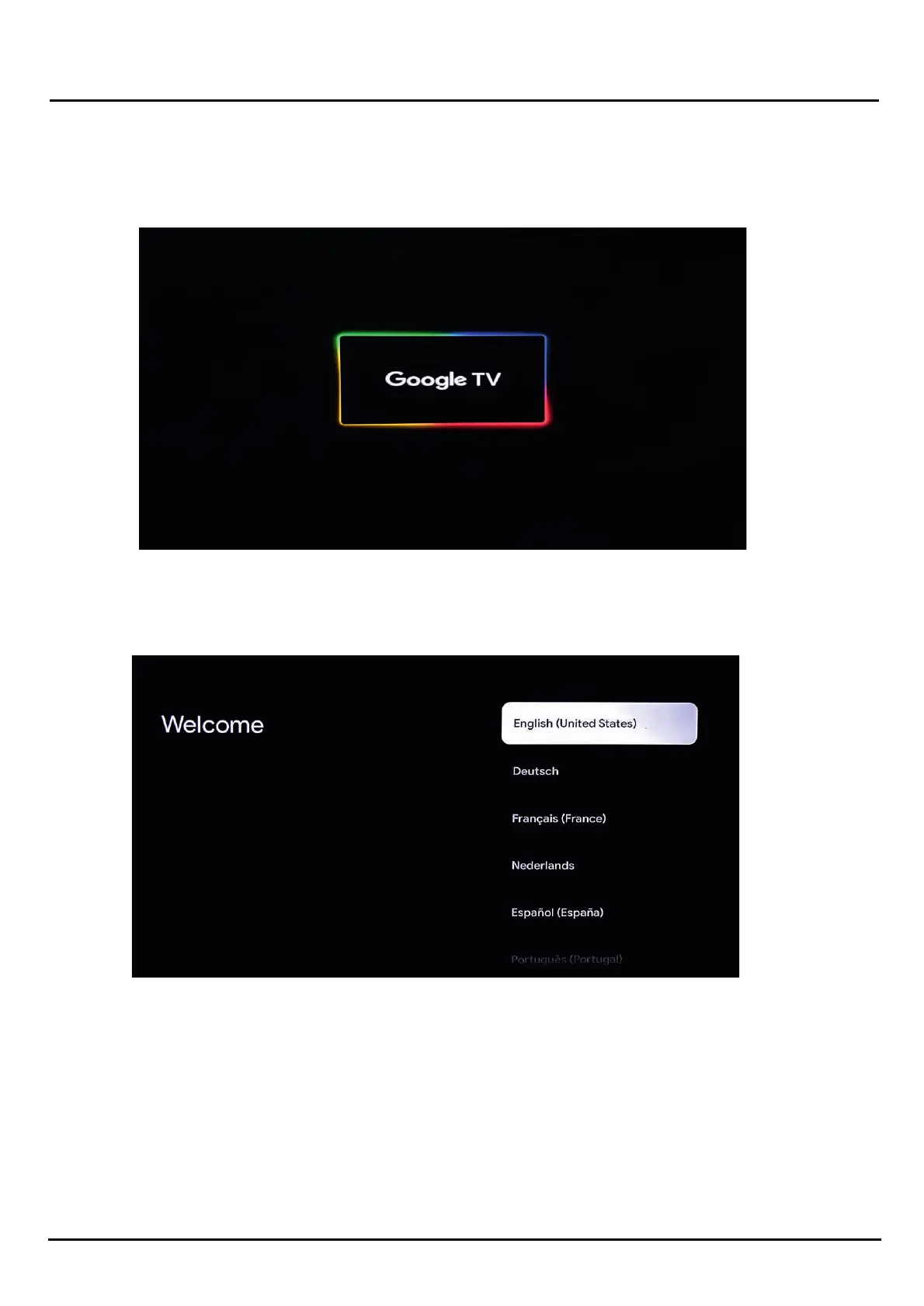
When you switch on the TV for the first me, the First Time Setup menu will be displayed on the screen, as illustrated below.
To set up your new TV, first, select your preferred Language.
You can then proceed with standard setup or choose to set up with your phone/tablet depending on your preference.
Seng up the TV with a Google TV
If you would like to set up your device using a tablet or phone, locate the Google App on your handset or tablet. Alternately, you
can skip to WiFi Connecon.
Connecng TV to Power and switching ON for First me
Inial Setup


 To Next Page