Chapter 5
20202020202020
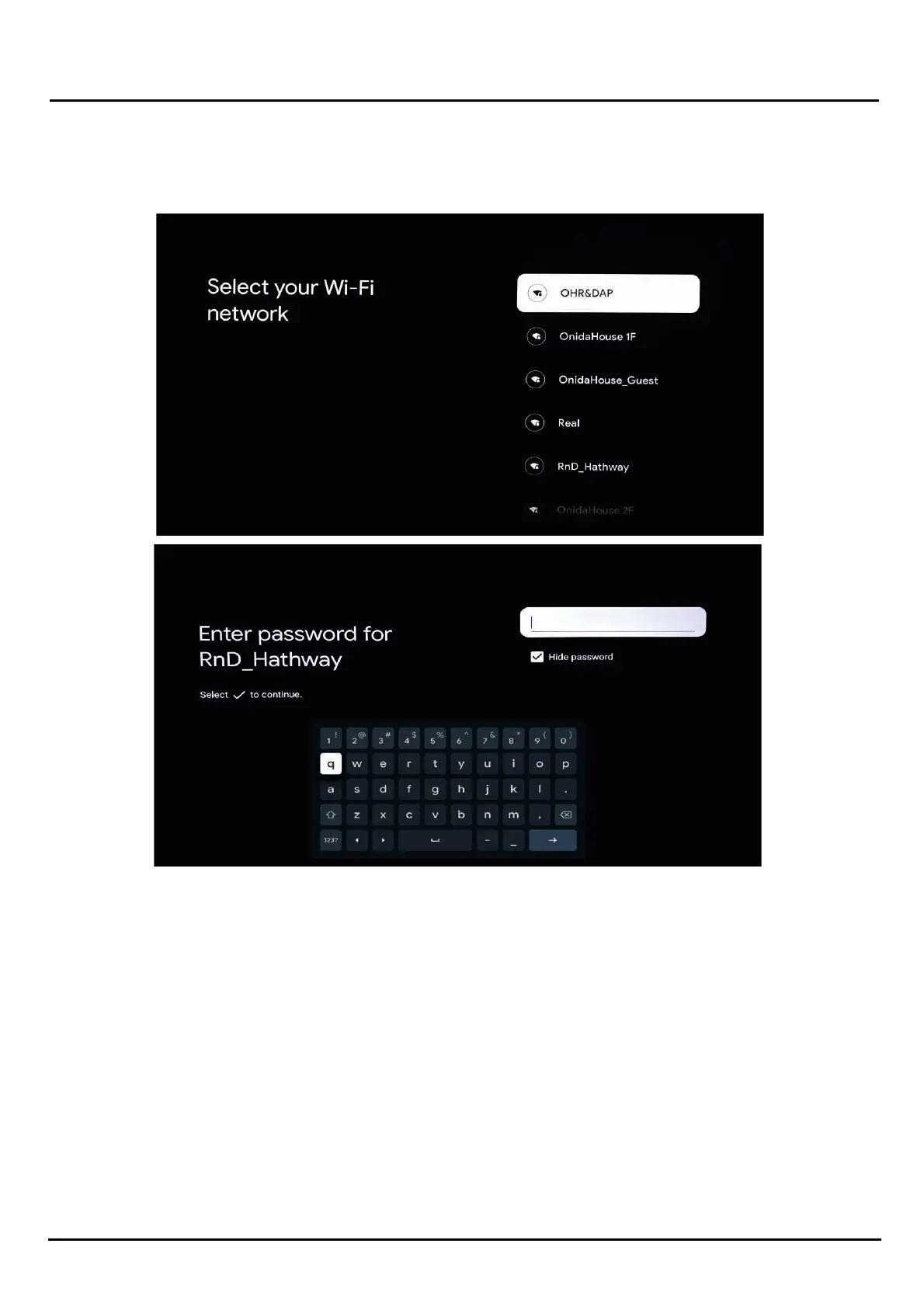
Input the user name and password for your Wireless Network, and if the credenals ae correct, aaer a few seconds your TV
will be connected.
Next, link the TV to your Google account to get the most out of your TV.
You can add your account using a phone or computer, or your remote.
If you choose to use an external device to connect, you will be prompted to use a code on an external device
If you do not wish to use a tablet or computer, you can certainly set up the unit using the remote directly:
You will be prompted to read and accept Google's Terms of Service
INITIAL SETUP (CONT.)
Inial Setup


 To Next Page