14 Getting to know the OpenScape Desk Phone CP110
Display
Your OpenScape Desk Phone CP110 comes with a greyscale LCD display. Adjust the
contrast to suit your needs (
page 20).
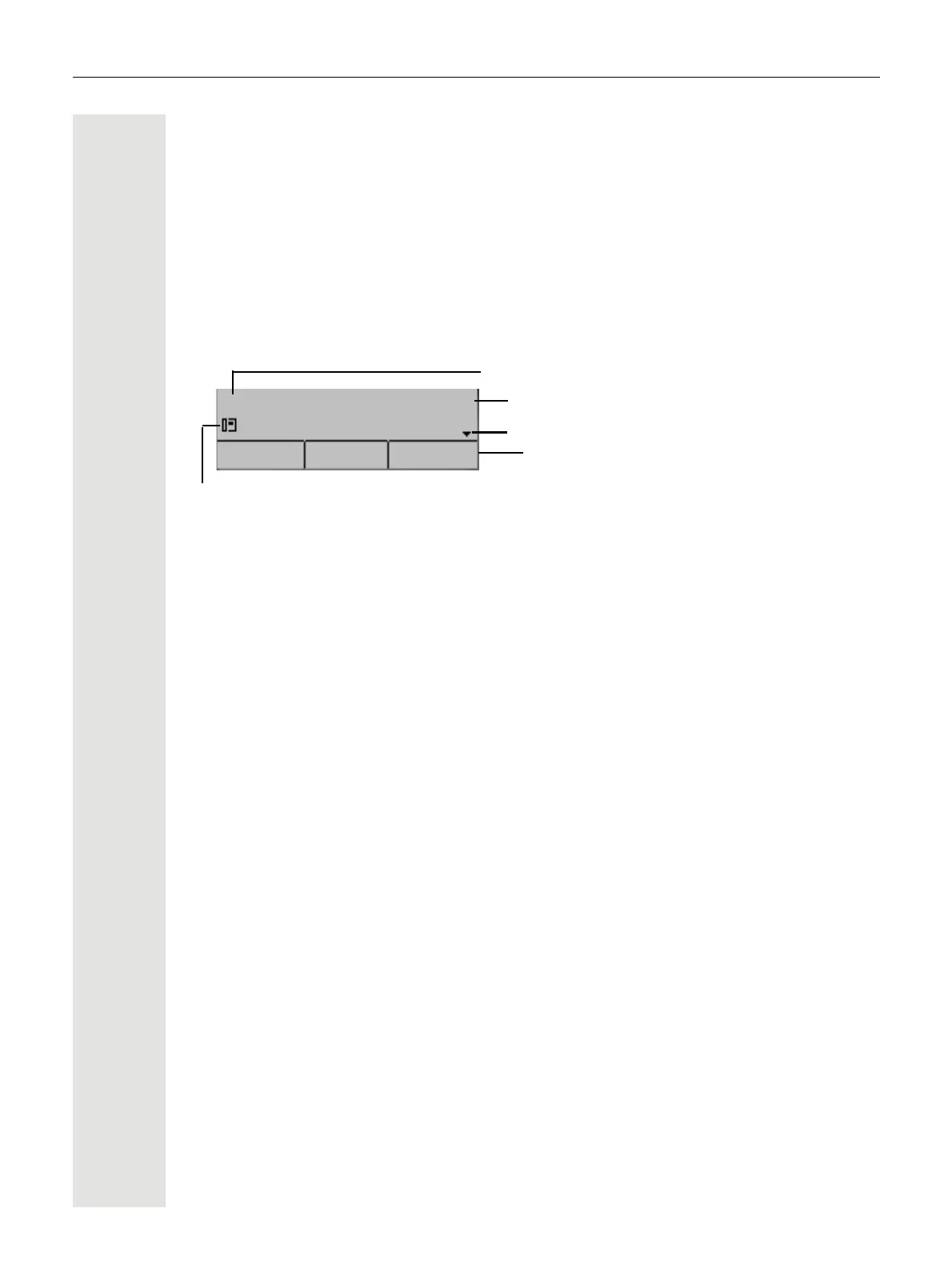
Idle mode
If there are no calls taking place or settings being made, your
OpenScape Desk Phone CP110 is in idle mode.
Example:
Idle menu
The idle menu opens when you press the Navigator keys
€
or
µ
page 16 key
in idle mode. You can call up various functions here. The idle menu includes selected
functions from the Program/Service menu
page 18.
The idle menu may contain the following entries:
• Callog?
• Forwarding on?
•CFNR on?
•CFSS on?
• Lock telephone?
• Absence text on?
• Silent ringing on?
•Night answer on?
•Trunk FWD on?
• Send Message?
• Phonebook?
• HF answerback on?
• Suppress call ID?
• Waiting tone off?
•DISA internal?
•Security Status?
Time
Date
Open the icon for the idle menu
Own phone number
3 Free Programmable Keys
01:53 Mon 13. 5. 2022
903122921330
Release Redial Caller L



 To Next Page