Getting to know the OpenScape Desk Phone CP110 15
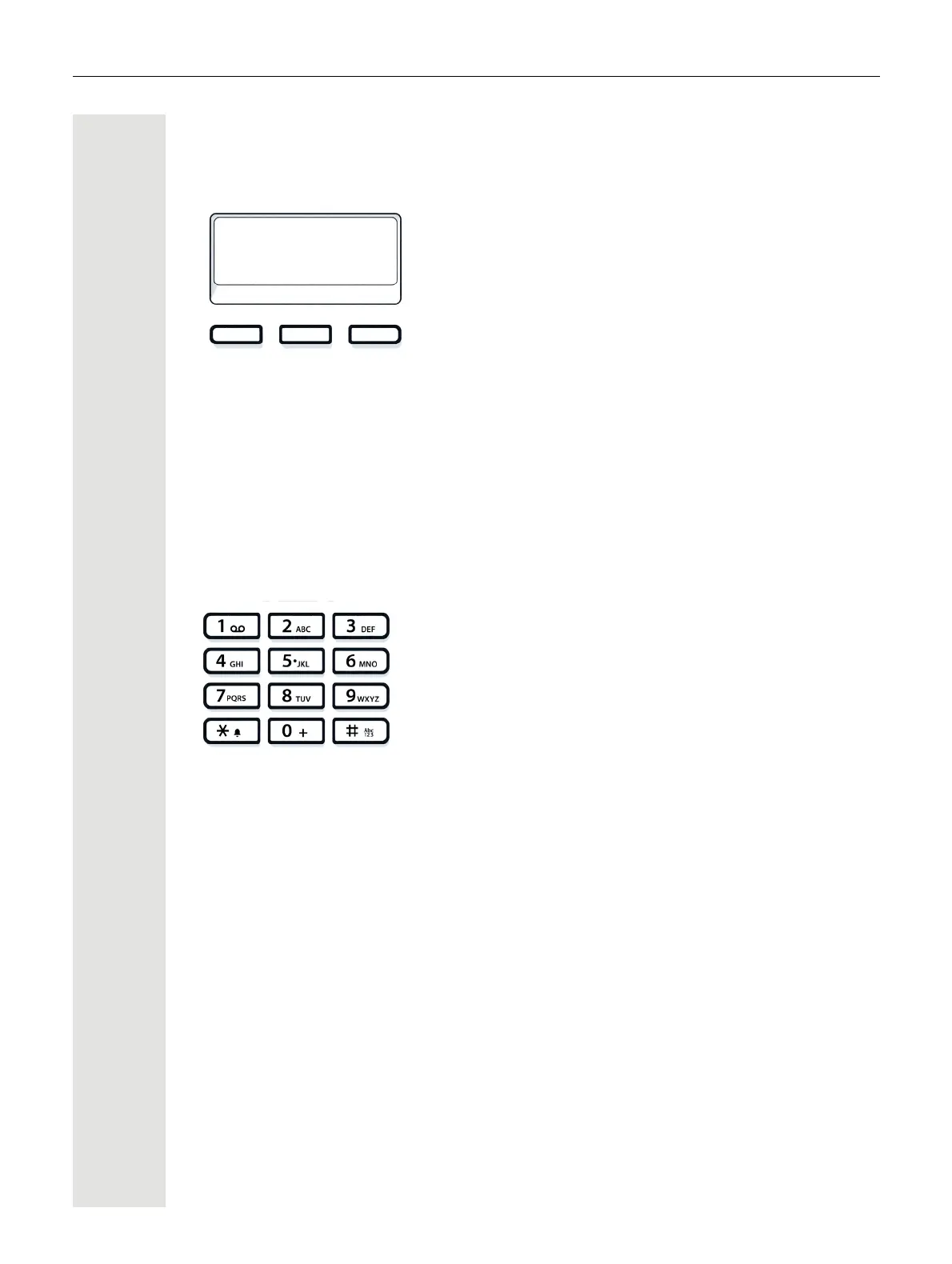
Programmable function keys
Your OpenScape Desk Phone CP110 has three programmable function keys, which
you can reprogram with different functions or station numbers at any time.
The icons represent the following functions by default:
• Release
•Redial
• Caller list
Depending on how they are programmed, you can use the keys as follows:
• Function keys
page 26
• Selected dialing keys
page 29
Dialpad
You can only use the digits 1 to 9 and 0 as well as the * and # characters when dialing
a number.
In situations where text input is possible, for example when entering the user pass-
word, you can also use the dial keys to enter text in addition to the digits and special
characters mentioned. To do this, press the numerical keys repeatedly.
Example: To enter the letter "h", press the number
4
key on the keypad twice.



 To Next Page