28 Telephone settings
Saved function is activated:
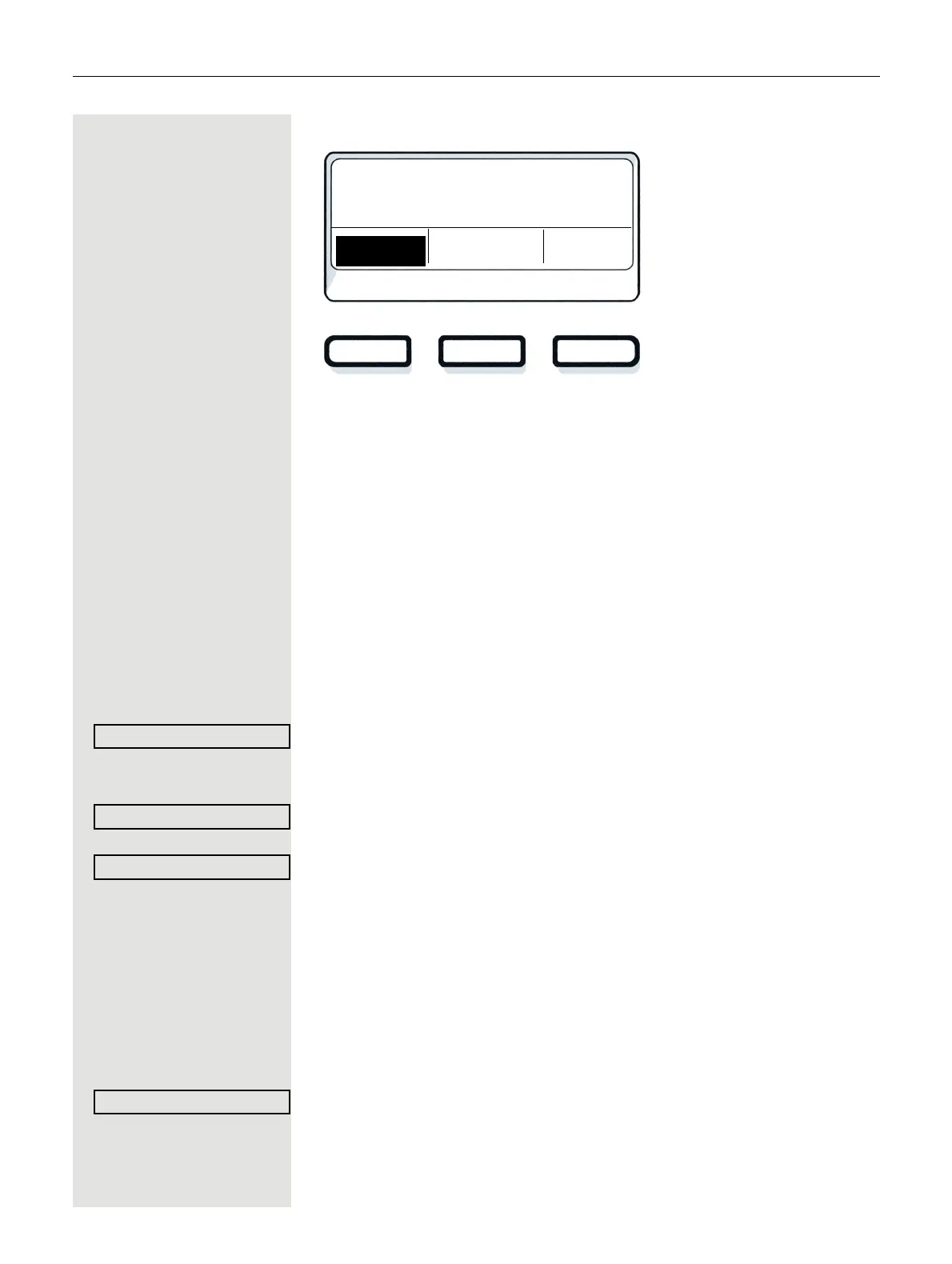
Programming a procedure key
Phone numbers and functions that require further input, i.e. which
contain several operating steps, can be saved on a key on your tele-
phone. The Administrator must have granted the appropriate authori-
zation.
For example the function “Associated serv.”
page 78 together with
the required input (phone number of the phone for which the call is to
be made + phone number to be dialed) can be saved on a key.
Phone numbers that require further input can also be saved.
Please see also the information on
page 15.
Open the menu page 18.
Select and confirm the option shown.
Press one of the three keys you want to program with a procedure.
Confirm the option shown.
Select and confirm the option shown.
j Enter procedure. Example: *67 231 123456
*67 Code for Dial for
231 Number of the phone for which the call should be made.
12345 The phone number to be dialed.
Confirm the option shown.
01:53
Mon 13. 5. 2022
903122921330
Redial Caller list
Release



 To Next Page