54 Making calls in the team/executive/secretary configuration
Line/trunk keys
The programmable keys on multi-line phones function as line or trunk
keys. Every key programmed as a line key (key label:
TransferTrk) corresponds to one trunk with the result that you can
configure up to three trunks in OpenScape Desk Phone CP110.
As a team member, you can independently program the following
functions on keys
page 26:
• Direct destination selection
• Group call on/off
(not available on executive phone in an executive / secretary team)
• Ring transfer on/off
(only in an executive/secretary team)
You can also program a key with the function "Forward Line" (call for-
warding) for each line.
Notification on display
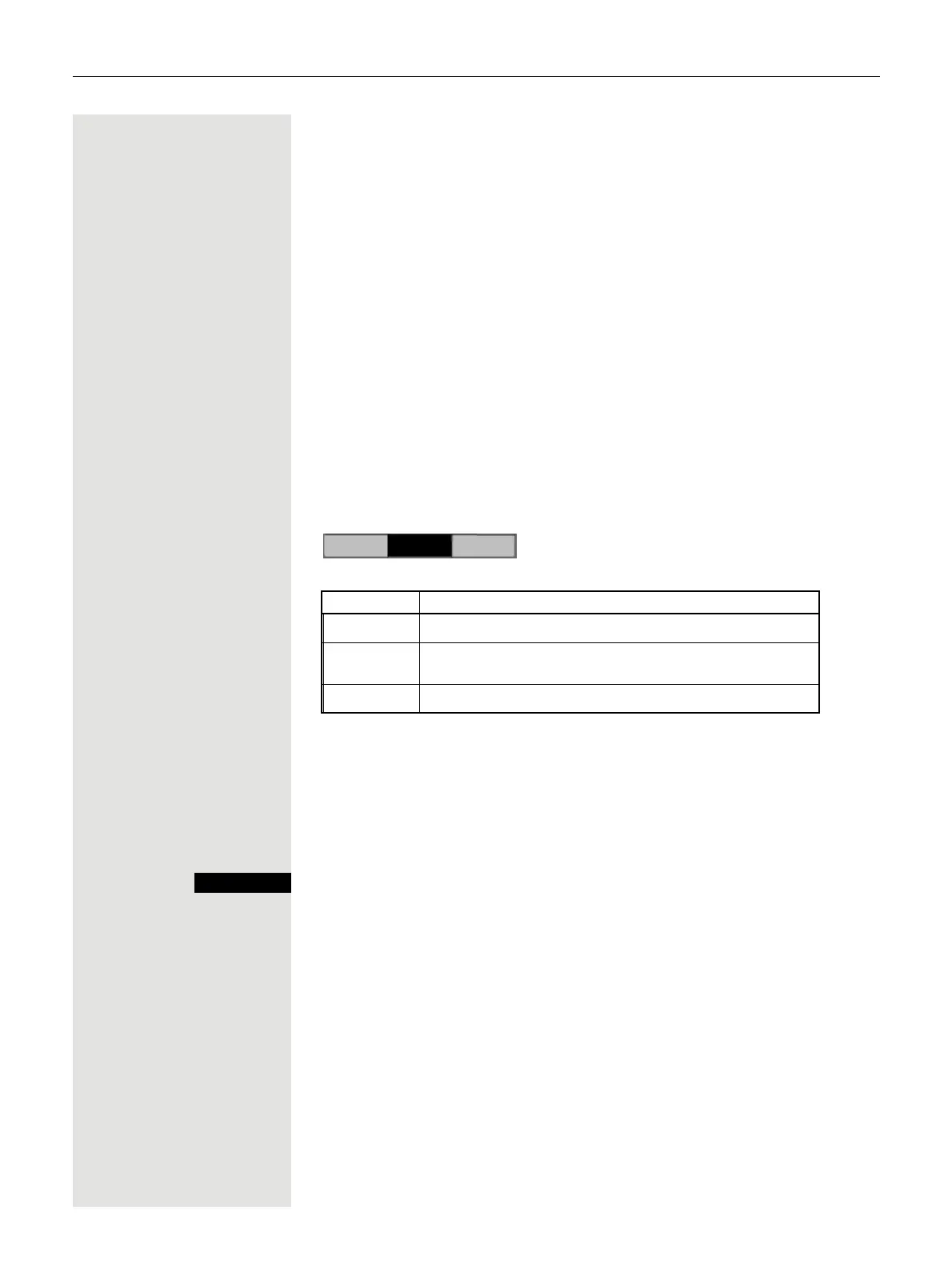
The display of the status label will be controlled by the state of the key.
Line or function key can be pulsing or inverted similar to a LED.
Accepting calls with the line keys
Prerequisite: Your phone rings and/or a text key label flashes qui-
ckly.
Press the line key above which the text label flashes quickly or is
shown inverse.
Ì Lift the handset.
or On-hook dialing: Speakerphone mode.
Status Meaning
Standard – The line is in idle mode.
Pulsing
1
1 In this manual, flashing text labels are identified by this icon, regardless
of the flashing interval. The flashing interval represents different statuses,
which are described in detail in the corresponding sections of the manual.
– Incoming call on the line.
– The line is on "Hold".
Inverted – The line is busy.
Line



 To Next Page