Page
22
DX17VGB
4.3.7 Key functions and key combinations
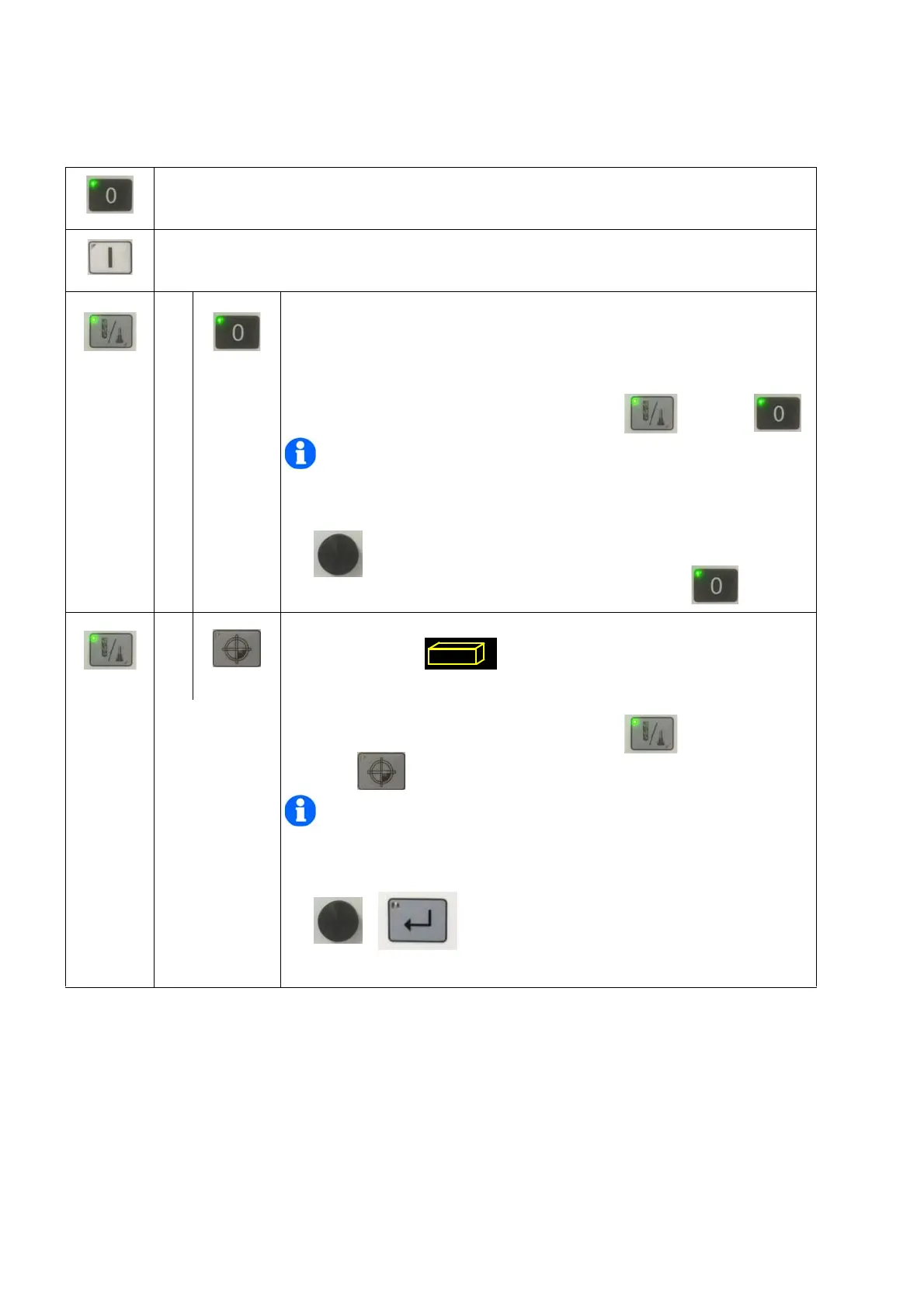
Stopping spindle rotation.
Leaving basic value adjustment control panel.
Deleting or changing within the basic value setting.
Start spindle rotation
+
Calling up the basic value setting
Subsequently press the tool selection button and stop .
INFORMATION
Do not press the buttons simultaneously, press the first button and hold,
press the second button and release both buttons afterwards.
Select with the rotary knob.
Exit the menu by pressing the stop button .
+
Setting the drilling depth
Symbol must flash.
Subsequently press the tool selection button and workpiece
offset .
INFORMATION
Do not press the buttons simultaneously, press the first button and hold,
press the second button and release both buttons afterwards.
Select with the rotary knob and confirm by
pre
ssing the Enter button.



 To Next Page