Pa
ge 23
DX17V GB
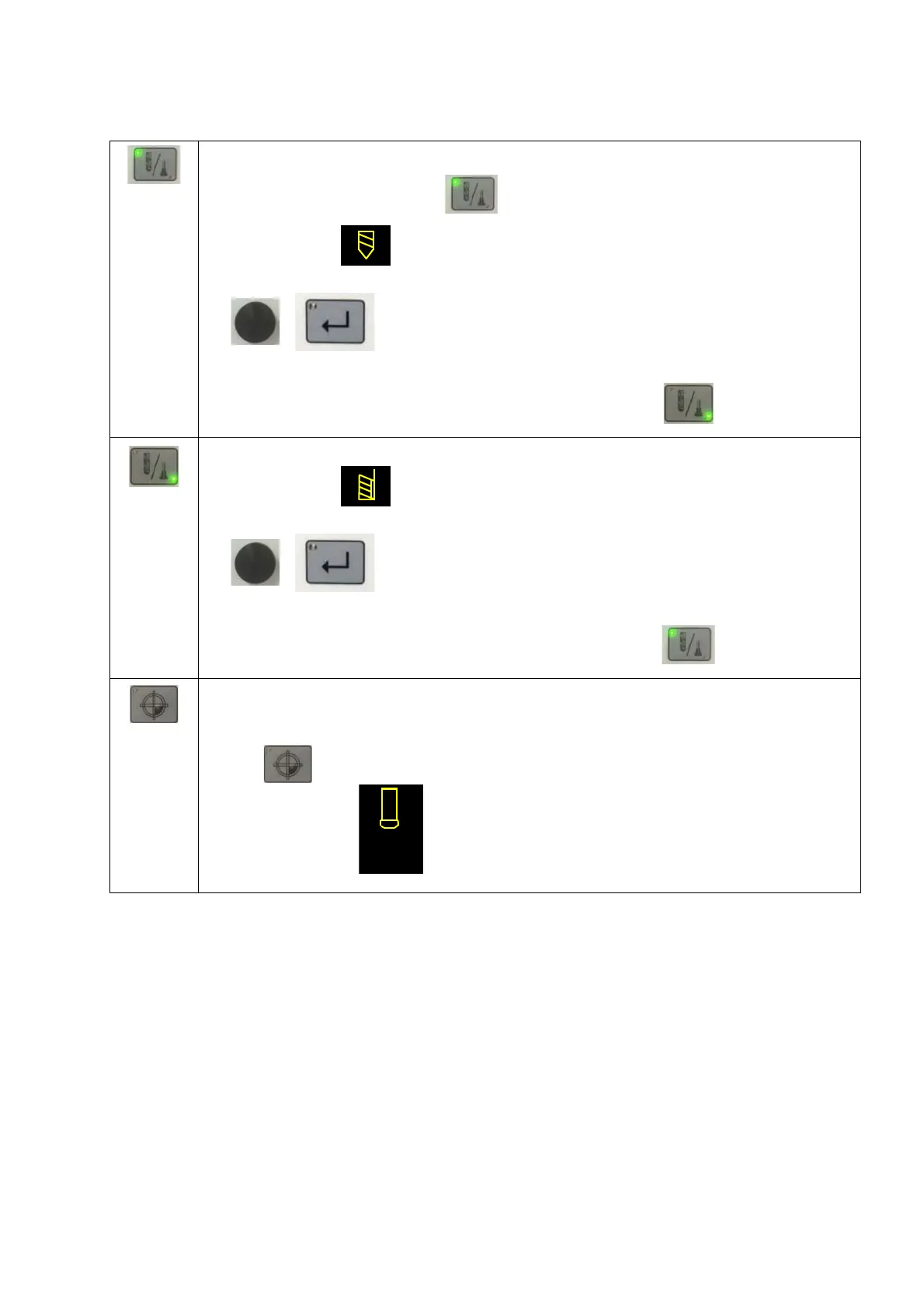
Tool selection drill:
Press the tool selection button .
Symbol must flash.
Select the material by rotating.
Confirm the material with the Enter key.
Select the drill diameter by rotating.
Confirm the drill diameter with the Enter key.
To change the selection tool again, press the tool selection button again.
Tool selection for screw taps:
Symbol must flash.
Select the material by rotating.
Confirm the material with the Enter key.
Select the size of screw tap by rotating.
Confirm the tap size with the Enter key.
To change the selection tool again, press the tool selection button again.
Setting the workpiece offset:
Put the drill bit or screw tap with the drilling lever onto the workpiece and set the workpiece
zero .
Dis
play: Depth display is set to "zero".



 To Next Page