30 © Hypercom EMEA Ltd. 2011 Using your terminal
Idle Screen
This will be your main screen for general use of the payment application.
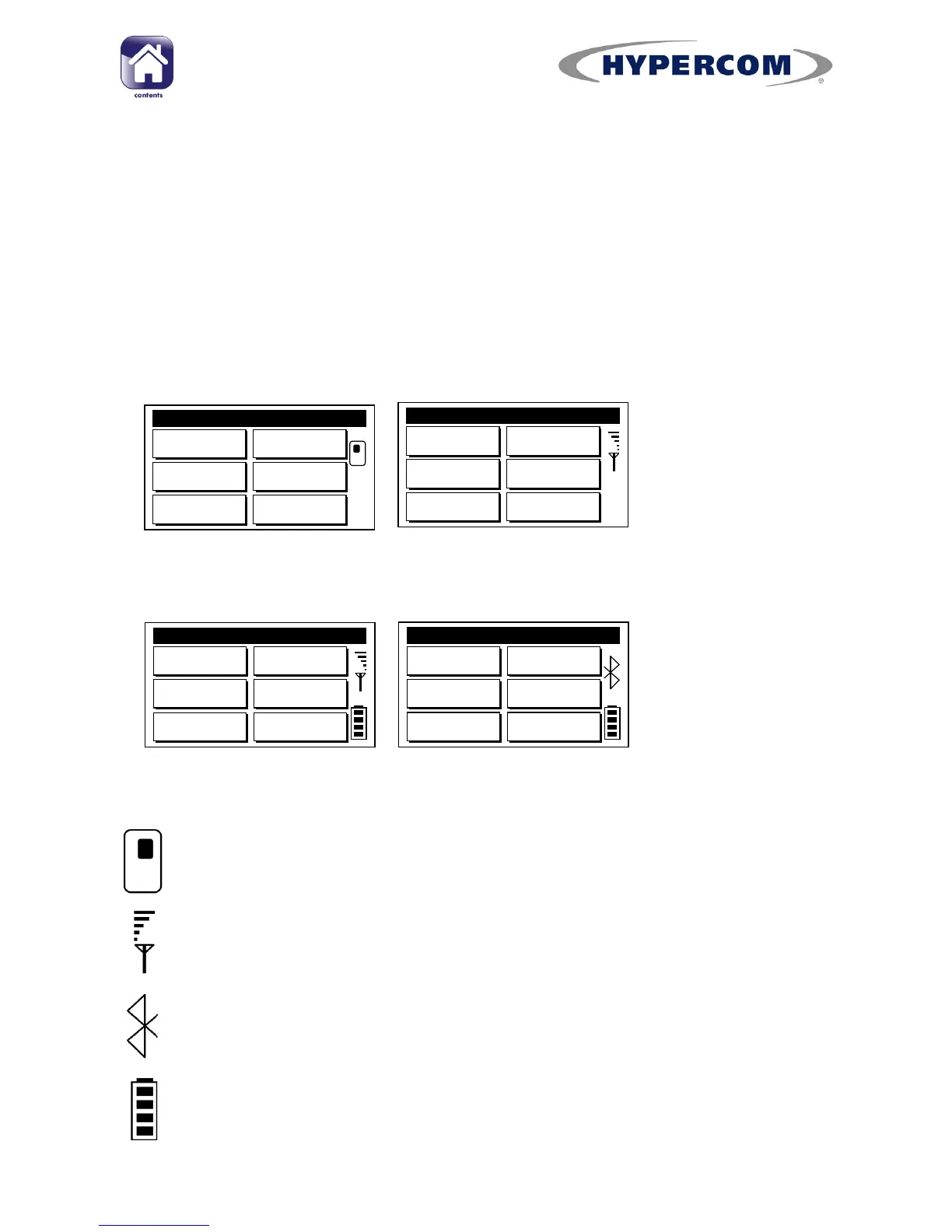
All T/M4200 models feature the same general style for this screen, but
different icons are shown at the right hand side., as shown below.
The selection items may vary from those shown below on your specific
terminal configuration.
Icons
A moving card icon indicates that this is a Countertop terminal
(T4210/T4220 only)
This icon displays the GPRS signal strength (T4230/M4230 only). If
there is no signal, it will display “n/a”.
This icon indicates that this is a Bluetooth terminal (M4240 only)
This icon displays the battery module charge status of your mobile
terminal (M4230/M4240 only)
T4210/T4220



 To Next Page