Appendices © Hypercom EMEA Ltd. 2011 85
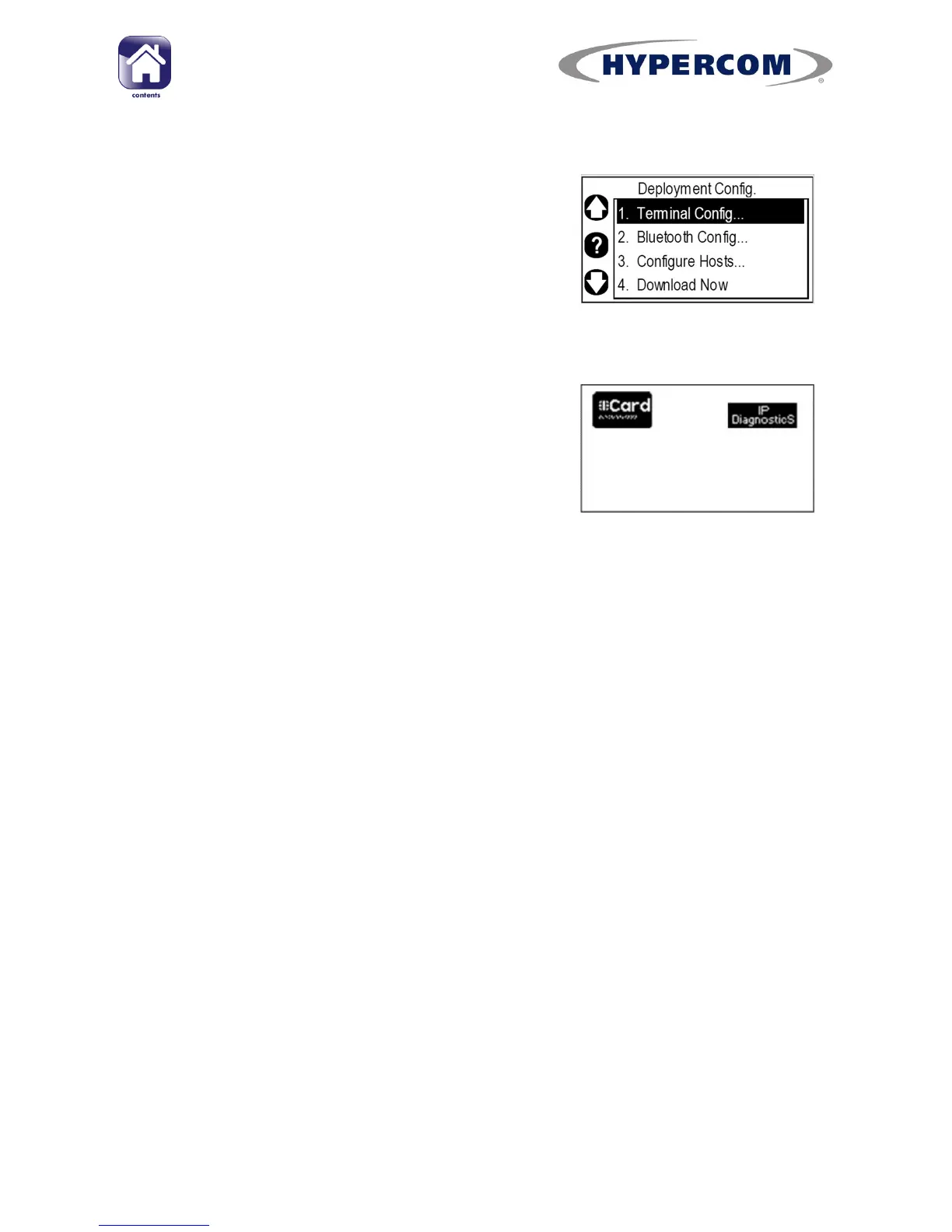
Returning to the idle screen
Step 1
To exit the “Deployment Config.” menu, press
Cancel on the keypad two times. This will
return you to the Desktop.
Step 2
Either: Press the Navigation Button next to the
“Card” icon to return to the idle screen.



 To Next Page