EasyManua.ls Logo

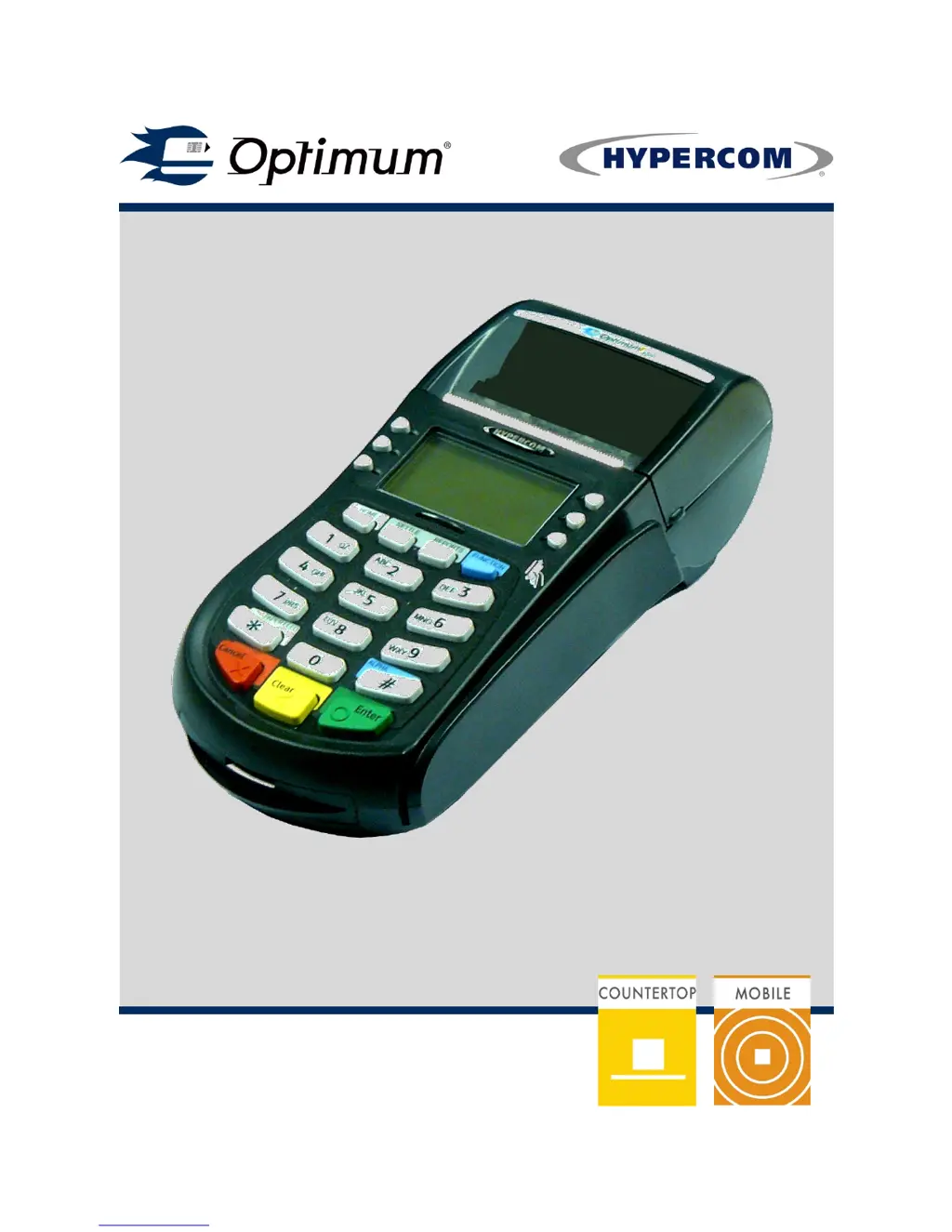
Optimum T4210 - User Manual

Optimum T4210
92 pages
Print Icon
To Next Page IconTo Next Page
Loading...
© Hypercom EMEA Ltd. 2011
Optimum T/M4200 Family
UKCA Standard 70
User Manual

Questions and Answers

  • D
    drewmorganAug 21, 2025
    How to fix a blank screen on my Optimum Handhelds terminal?
    • J
      justinhooverAug 21, 2025
      If your Optimum Handhelds terminal screen is blank, ensure the power supply or mains cable is correctly plugged into a working electrical wall socket and the switch is in the 'on' position. If using an extension cable, verify the fuse. For power supplies with a separate mains cable, ensure it's firmly connected. Hold the blue FUNCTION button for eight seconds. If it doesn't turn on, connect the power supply to the red socket labeled POWER or place it on a powered Charging Dock and repeat holding the blue FUNCTION button for eight seconds. If problems persist after checking these steps, please call the helpdesk.
  • M
    Mr. Steven Brown IISep 3, 2025
    How to fix Battery Module not charging on Optimum Handhelds (M4230/M4240)?
    • M
      Matthew RodriguezSep 3, 2025
      If the Battery Module is not charging on your Optimum Handhelds (M4230/M4240), check that the power supply or mains cable is plugged into a working electrical wall socket and that any switch is in the on position. If an extension cable is being used, it may be fused, so check the fuse. If you have a Power Supply with a separate electrical mains cable, check that mains cable is firmly plugged into the Power Supply. Ensure the power supply is connected to the red socket on the Charging Dock or Terminal, labeled POWER.
  • R
    Robert TaylorSep 1, 2025
    What does 'UNSUPPORTED CARD' mean on my Optimum Handhelds?
    • R
      ruthellisonSep 1, 2025
      If your Optimum Handhelds displays 'UNSUPPORTED CARD', it usually means the card number was entered incorrectly. Double-check that you have the correct number and try re-typing it carefully. If the problem persists, please contact the helpdesk.
  • K
    kristinagonzalezAug 30, 2025
    What to do if my Optimum Handhelds displays 'INVALID CARD'?
    • L
      larry57Aug 31, 2025
      If your Optimum Handhelds displays 'INVALID CARD', it means the check digit of the card number entered is incorrect. Double-check that you have entered the correct number and carefully re-type it.
  • H
    hilllauraAug 29, 2025
    How to troubleshoot a blank PIN Pad screen on Optimum Handhelds?
    • J
      Justin SantosAug 29, 2025
      If the PIN Pad screen on your Optimum Handhelds is blank, check that it is securely connected to the yellow socket on the back of the main terminal labeled PIN PAD. Then, turn the main terminal off and back on again by switching it off or unplugging it at the electrical wall socket.
  • K
    katherine10Aug 27, 2025
    How to fix blank receipts from my Optimum Handhelds?
    • R
      rebecca33Aug 28, 2025
      If your Optimum Handhelds prints blank receipts, check your paper rolls to ensure they are loaded correctly. Consult the Quick Reference Guide for detailed instructions.
  • E
    Edward CookAug 27, 2025
    Why does my Optimum Handhelds say 'LINE BUSY, WAIT'?
    • J
      Jeffery SimpsonAug 27, 2025
      The 'LINE BUSY, WAIT' message on your Optimum Handhelds indicates that the terminal is not detecting a normal dial tone on the telephone line. This could be because the line is in use, dead, or faulty. Also, check for faulty telephone cables or adaptors, ensure the terminal is properly connected, and verify the connection to the line isn't loose.
  • C
    Cassandra MorenoAug 25, 2025
    What to do if my Optimum Handhelds says 'PLEASE REMOVE CARD'?
    • A
      Anthony JacobsAug 25, 2025
      If your Optimum Handhelds displays 'PLEASE REMOVE CARD', the chip could not be read when the card was inserted. Verify the card is inserted correctly or try a different card, then press YES/Enter. If the problem persists, please contact the helpdesk.
  • C
    Christine BrownAug 23, 2025
    What to do if my Optimum Handhelds show 'CARD ERROR'?
    • K
      Kari AndersonAug 23, 2025
      If your Optimum Handhelds displays a 'CARD ERROR', the magnetic strip could not be read. Ensure the card is swiped correctly and try again. You might also try a different card. If the problem continues, please contact the helpdesk.

Optimum T4210 Specifications

General IconGeneral
BrandOptimum
ModelT4210
CategoryHandhelds
LanguageEnglish