Delta Elec. Inc. HD86
Company Confidential Optoma___________________ Delta________________
60
2009/08/18
5-5.
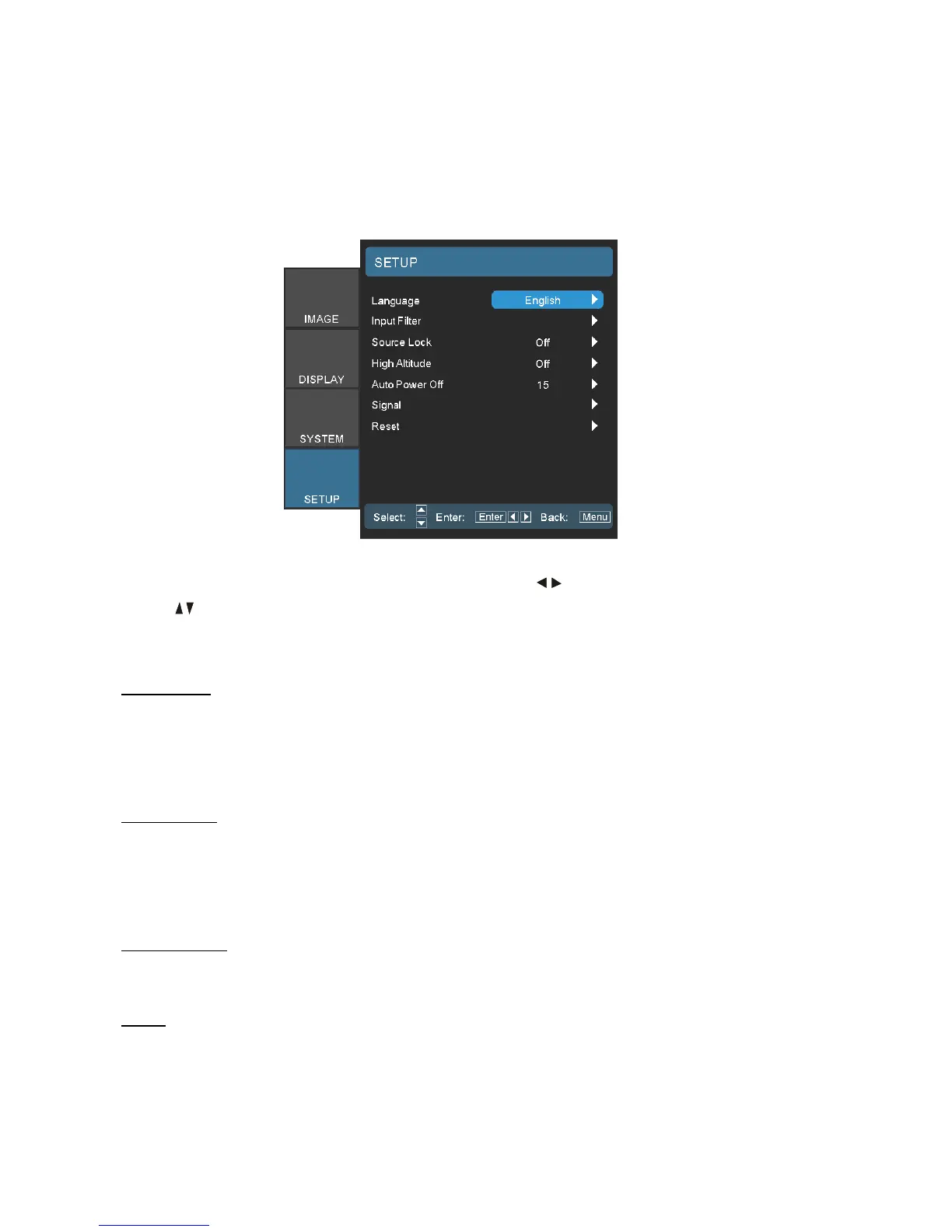
SETUP / Source Lock - High Altitude - Auto Power Off
Press the
Menu
button to open the OSD menu. Press to move to the
SETUP
menu.
Press to move up and down and select
Function
.
The function description as below,
Source Lock
When this function is turned off, the projector will search for other signals if the current input
signal is lost.
When this function is turned on, it will search for a specified connection port.
High Altitude
Choose “On” to turn on High Altitude mode.
Operates the fans at full speed continuously to allow for proper high altitude cooling of the
projector.
Auto Power Off
Set the time interval (in minutes) to power off the system if there is no input signal detected.
Reset
Return the adjustments and settings to factory default values.



 To Next Page