Delta Elec. Inc. HD86
Company Confidential Optoma___________________ Delta________________
72
2009/08/18
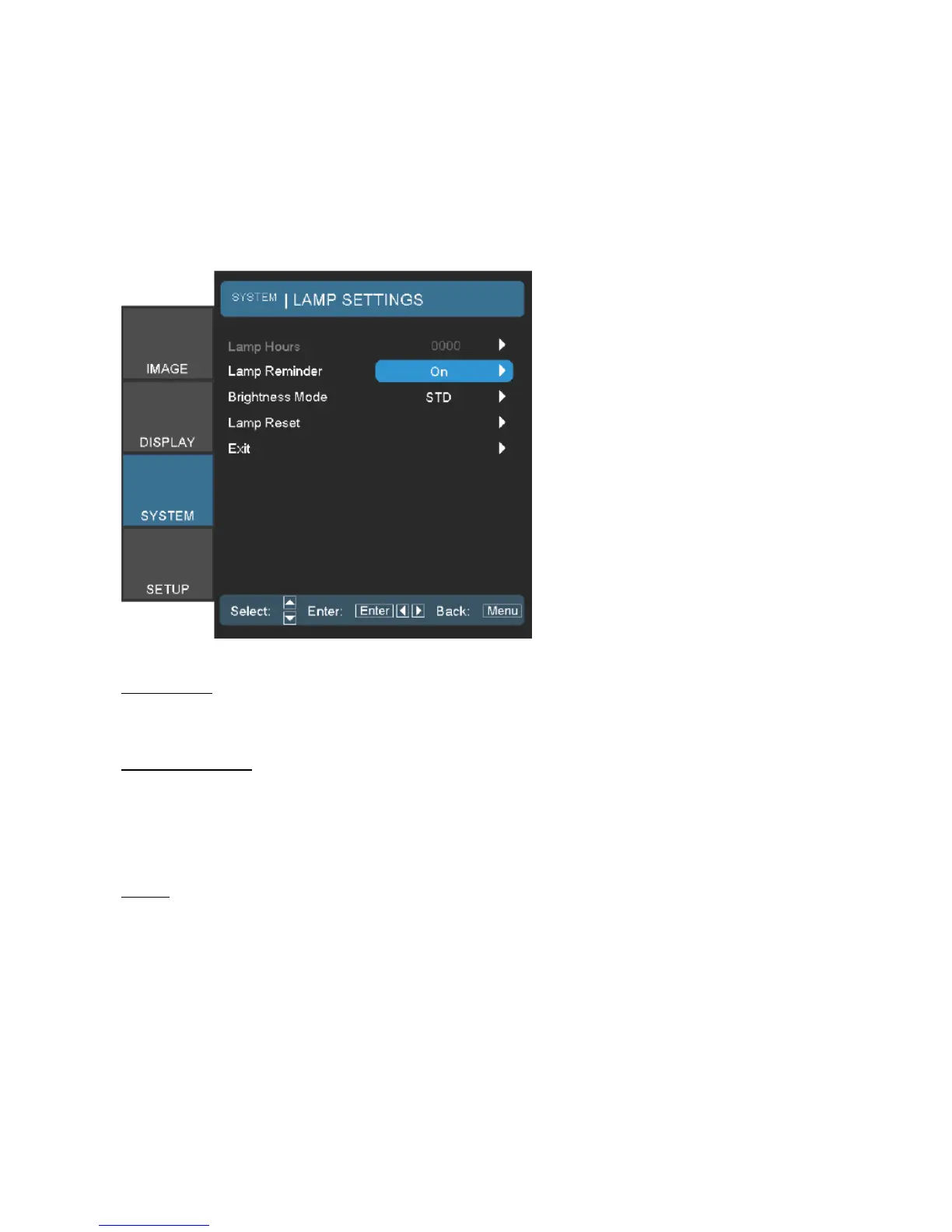
8-3. Lamp Setting
Turn on the projector, press the Remote controller to disappear the OSD,
then press “SYSTEM” item into “SYSTEM – LAMP SETTINGS” page.
Lamp Hour
Display the cumulative lamp operating time.
Lamp Reminder
Choose this function to show or to hide the warning message when the changing lamp
message is displayed.
The message will appear up 30 hours before suggested replacement of lamp.
Reset
After replacing the lamp, reset the lamp counter to accurately reflect the
new lamp’s life span.



 To Next Page